22
Version 1.01
Operating procedures
Choosing a Family of communication
To be able to program a vehicle, it is necessary to choose the correct Family, i.e. the
communication protocol. It is possible to choose a Family in two different ways:
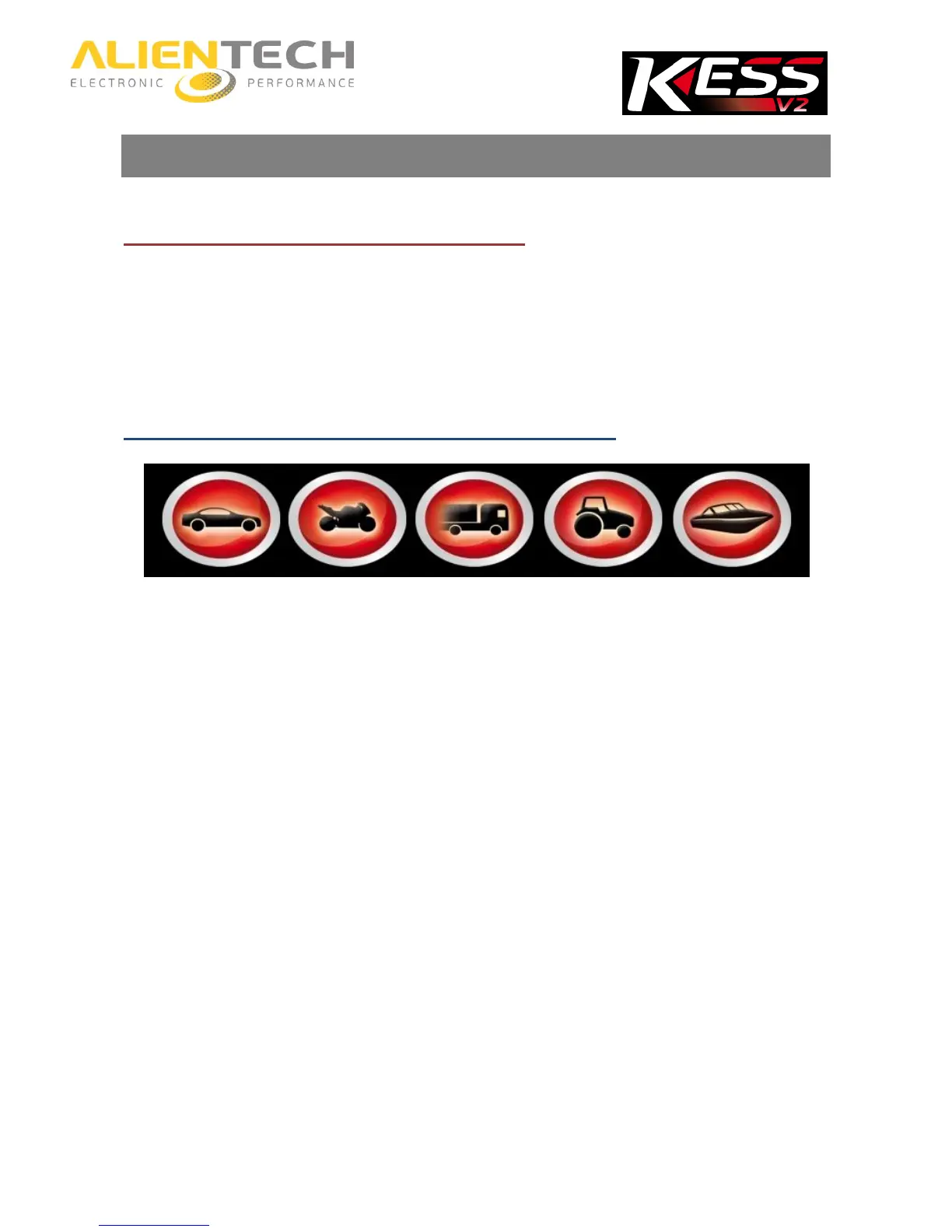
a) Using the Vehicles buttons in the main window of the K-Suite software.
b) Using the EXTRAS button in the main window of the K-Suite software (recommended for
advanced users).
How to choose a Family using the Vehicles buttons
Vehicles buttons
1. Select the button corresponding to the kind of vehicle to program.
2. Select the Brand of the vehicle.
3. Select the Model of the vehicle.
4. Select the version of the vehicle according to the data displayed in the lower part of the
window:



 To Next Page