26
Version 1.01
How to make Reading and Writing
After selecting the proper Family:
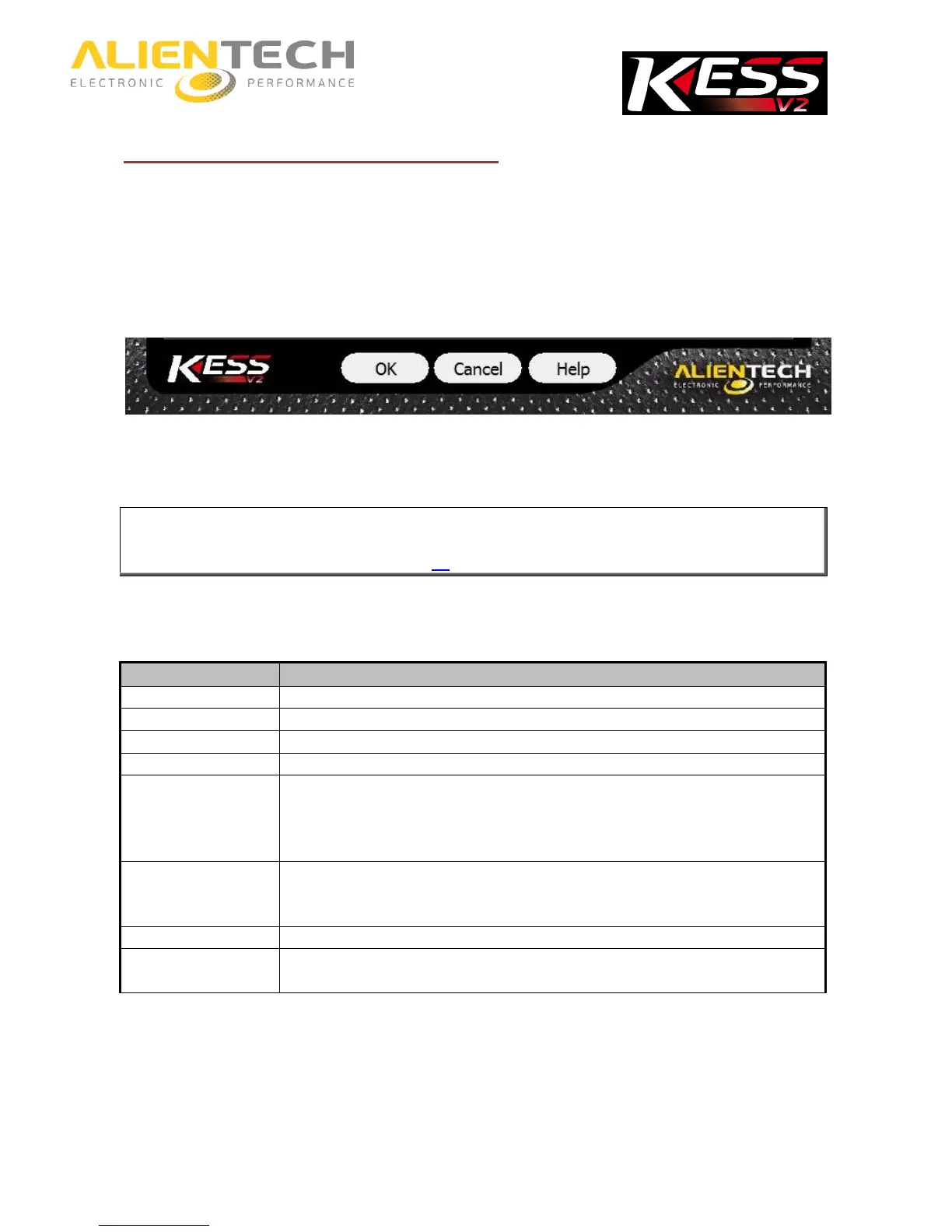
1. Click Help to display the list of possible cable to use.
2. Choose the appropriate cable and connect between the tool and the vehicle and / or between
the tool and the ECU, following the connection instructions provided in the Operating Manual..
3. Once back to the previous window, click OK to display the programming menu.
In the event that there are warnings or special precautions to follow for the Family
in use, K-Suite software automatically displays the Operating Manual.
It is important to keep the Operating Manuals updated: periodically check for updates,
particularly after each release of the K-Suite software (for more details refer to the section
Updating the Operating Manuals – page 30).
Number and type of items in the programming menu depend on the Family of communication, or
the type of ECU selected.
To communicate with the ECU using the K-line.
To communicate with the ECU using the CAN bus line.
To program the main ECU of the vehicle.
To program the secondary ECU of the vehicle.
To identify the ECU and / or the vehicle on which you are working and save
the identification data in a text file (.txt format) on your computer.
Note: If the ECU does not support the reading, this file is encoded and you
need to send it to your Master.
To read the file from the ECU and save it on your computer.
Note: This option is not available for ECUs that do not support reading via
diagnostic connector. Where not available, perform the ID procedure.
To write a file saved in your computer to the ECU.
To write a file to the ECU when the normal writing procedure has not been
successful.



 To Next Page