About your monitor | 11
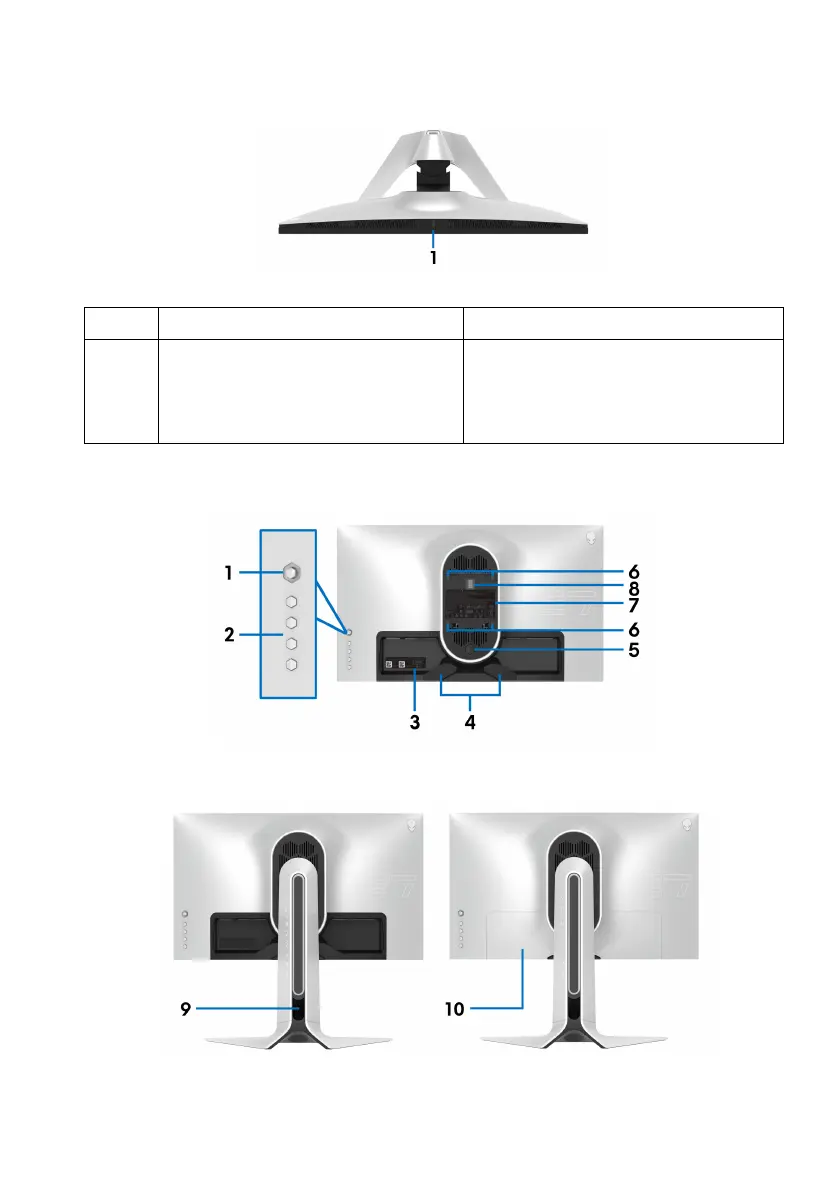
Top view
Label Description Use
1 Ambient light sensor Detects ambient light and adjusts
t
he brightness of the display
accordingly. For more information,
see Ambient Light Sensor.
Back view
Back view without monitor stand
Back view with monitor stand















 To Next Page