USB dongle pairing │ 26
USB dongle pairing
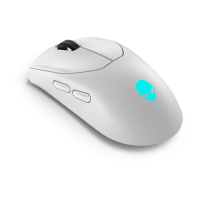
You can pair the Type-C dongle or re-pair the dongle with your Alienware Pro
Wireless Gaming Mouse.
1. Go to www.dell.com/drivers.
2. Type Alienware Pro Wireless Gaming Mouse in Identify your product or
search support text box, and then click Search.
3. Click on the Download button of the application USB Dongle Pairing.
4. Browse to the folder where you saved the setup files.
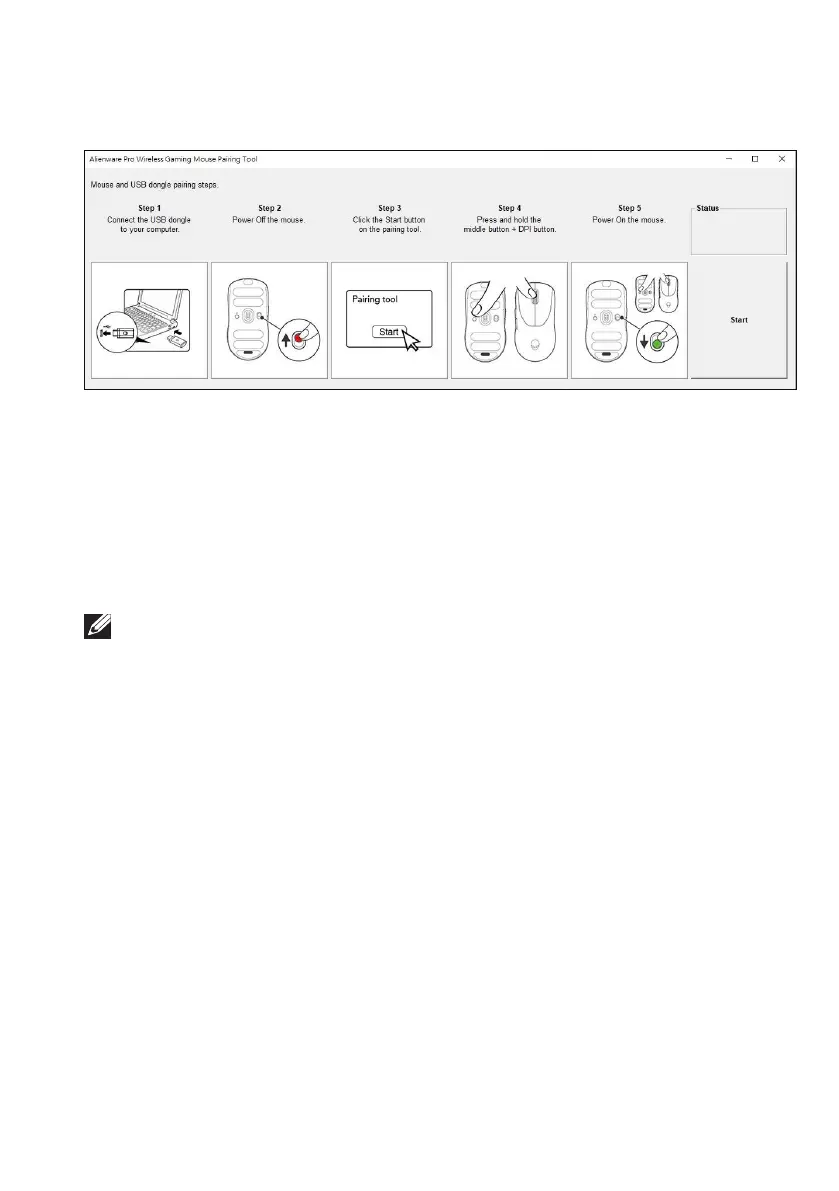
5. Double-click the PairingWizard file and follow the on-screen instructions to
pair your dongle with your Alienware Pro Wireless Gaming Mouse.
NOTE: You cannot start pairing until you have connected both the dongle to the
USB port and the Alienware Pro Wireless Gaming Mouse by the cable to another
USB port.



 To Next Page