Rockwell Automation Publication 520-UM001A-EN-E - February 2013 121
Programming and Parameters Chapter 3
Fault and Diagnostic Group (continued)
F682 [Comm Sts - Opt]
Displays the status of the internal communication to the drive.
Values Default: Read Only
Min/Max: 0000/1911
Display: 0000
1 = Condition True, 0 = Condition False
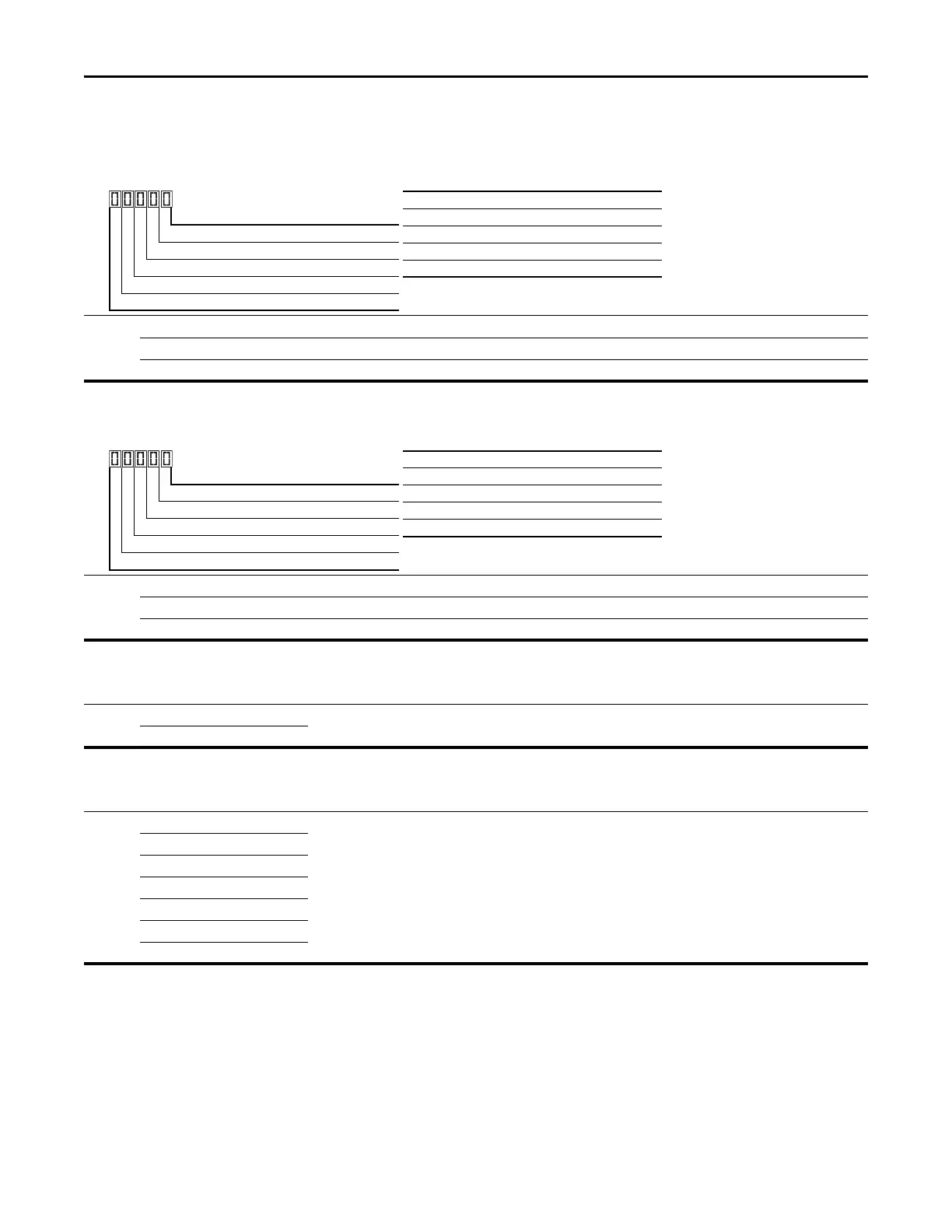
Rx Digit 1
Tx Digit 2
Status Digit 3
Error Digit 4
Not Used
Digit 3 = “Internal Com option”
0 “Not Active (no connection)”
1 “Internal option connected/active”
2...8 “Reserved”
9 “Internal com option faulted”
F683 [Com Sts-Emb Enet]
Displays the status of the embedded EtherNet/IP interface to the drive.
Values Default: Read Only
Min/Max: 0000/1911
Display: 0000
1 = Condition True, 0 = Condition False
Rx Digit 1
Tx Digit 2
Status Digit 3
Error Digit 4
Not Used
Digit 3 = “Embedded EtherNet/IP”
0 “Not Active (no connection)”
1 “Embedded EtherNet/IP active”
2-8 “Reserved”
9 “Embedded EtherNet/IP faulted”
F684 [EN Addr Src]
Displays the network configuration source currently used by the embedded EtherNet/IP interface.
Options 1 “Parameters” Read Only
2“BOOTP”
F685 [EN Rate Act]
Displays the network data rate currently used by the embedded EtherNet/IP interface.
Options 0 “No Link” Read Only
1 “10Mbps Full”
2 “10Mbps Half”
3 “100Mbps Full”
4 “100Mbps Half”
5 “Dup IP Addr”
6“Disabled”


 To Next Page
 Loading...