Serato DJ Lite for Mac/Windows
112
En
Analyzing tracks
Click the [Analyze Files] button in Serato DJ Lite to analyze tracks in
your library that haven't been analyzed yet. You can also analyze the
track by dragging and dropping it on the [Analyze Files] button.
• If a track is loaded to a deck before analysis is complete, it may take
some time to display its BPM and waveform.
• Depending on the number of tracks, analysis may take some time.
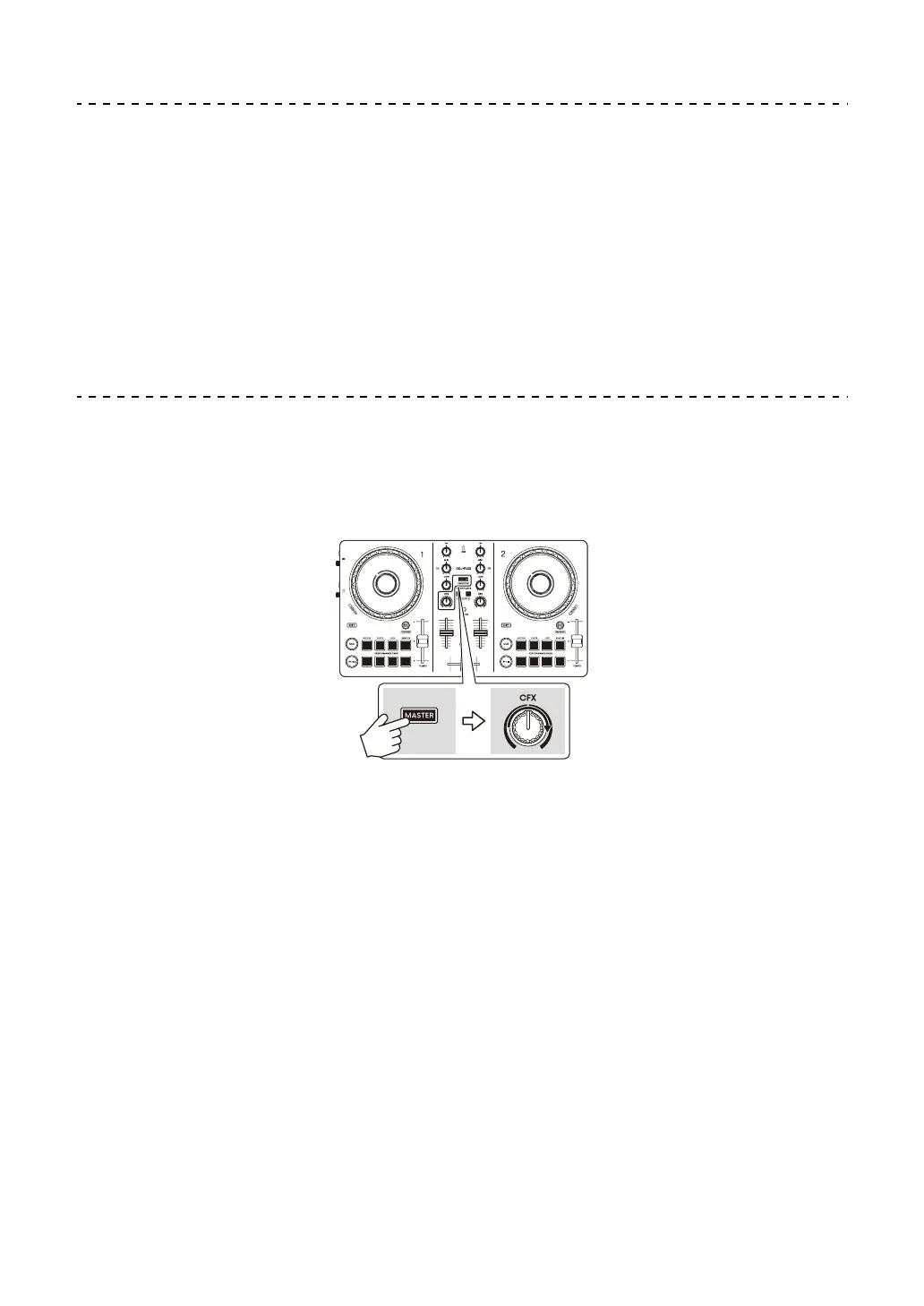
Using Smart CFX
Using the [CFX] knob, you can add a dynamic effect to liven up the
track.
1Press the [MASTER CUE] button while holding the [SHIFT] button.
The selected Smart CFX turns on.
2 Press the headphones [CUE] button while holding the [SHIFT]
button.
The Smart CFX type is selected.
• If you press the headphones [CUE] button of the channel 1, Preset 1 (Echo
type) will be selected. If you press the headphones [CUE] button of the
channel 2, Preset 2 (Reverb type) will be selected.
3 Turn the [CFX] knob.
The effect is applied to the track that's playing.
Turn the [CFX] knob to change the effect sound.



 To Next Page