Serato DJ Lite for Mac/Windows
113
En
• When the knob is at the center position, the effect isn’t applied.
4 Press the [MASTER CUE] button while holding the [SHIFT] button
again.
Smart CFX turns off.
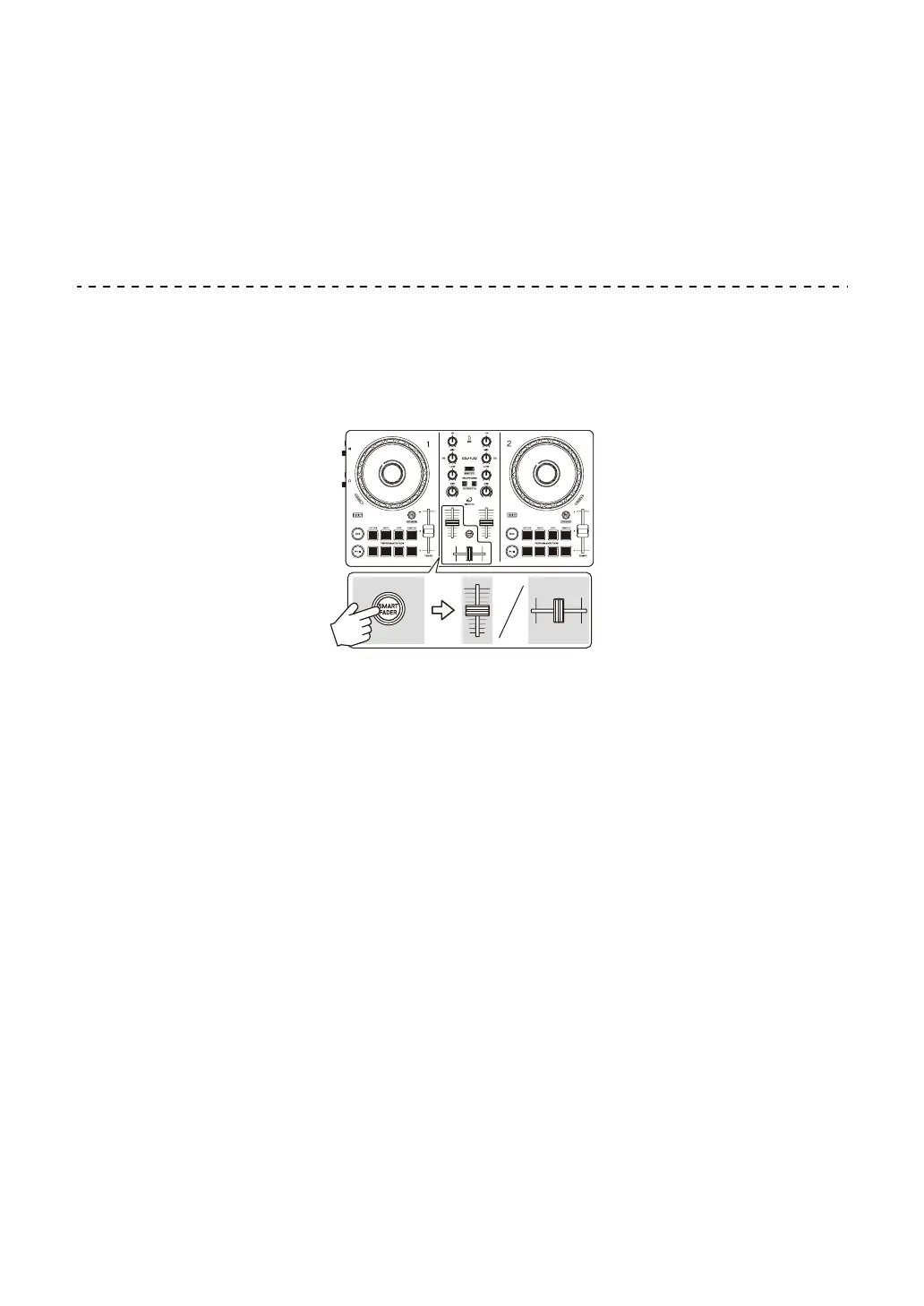
Using Smart Fader
With Smart Fader, you can use the crossfader or channel faders to
create an exciting transition as you mix from one track to the next.
1 Press the [SMART FADER] button.
The Smart Fader preset 1 (Echo type) is turned on.
• If you press the [SMART FADER] button while holding the [SHIFT] button,
the Smart Fader preset 2 (Reverb type) is turned on.
2 Slide the channel faders and crossfader.
The effect is automatically applied according to the fader operation.
3 Press the [SMART FADER] button again.
Smart Fader turns off.



 To Next Page