rekordbox for iOS/Android
45
En
Setting and calling up Beat Loop
1 See: Changing pad mode (page 43) to enter Beat Loop mode.
2 Press a Performance Pad.
Loop is set with the number of beats set on the Performance Pad.
Read more: Using Beat Loop (page 46)
3 See: Changing pad mode (page 43) to enter Hot Cue mode.
4 Press a Performance Pad.
Loop is set on the Performance Pad in Hot Cue mode.
5 Press the Performance Pad which is set with the loop.
Loop playback starts from the loop in point.
• You can clear the loop by pressing the Performance Pad while holding the
[SHIFT] button.
Using Pad FX
You can add a wide range of effects to your performances simply by
pressing and releasing the Performance Pads.
1 See: Changing pad mode (page 43) to enter Pad FX mode.
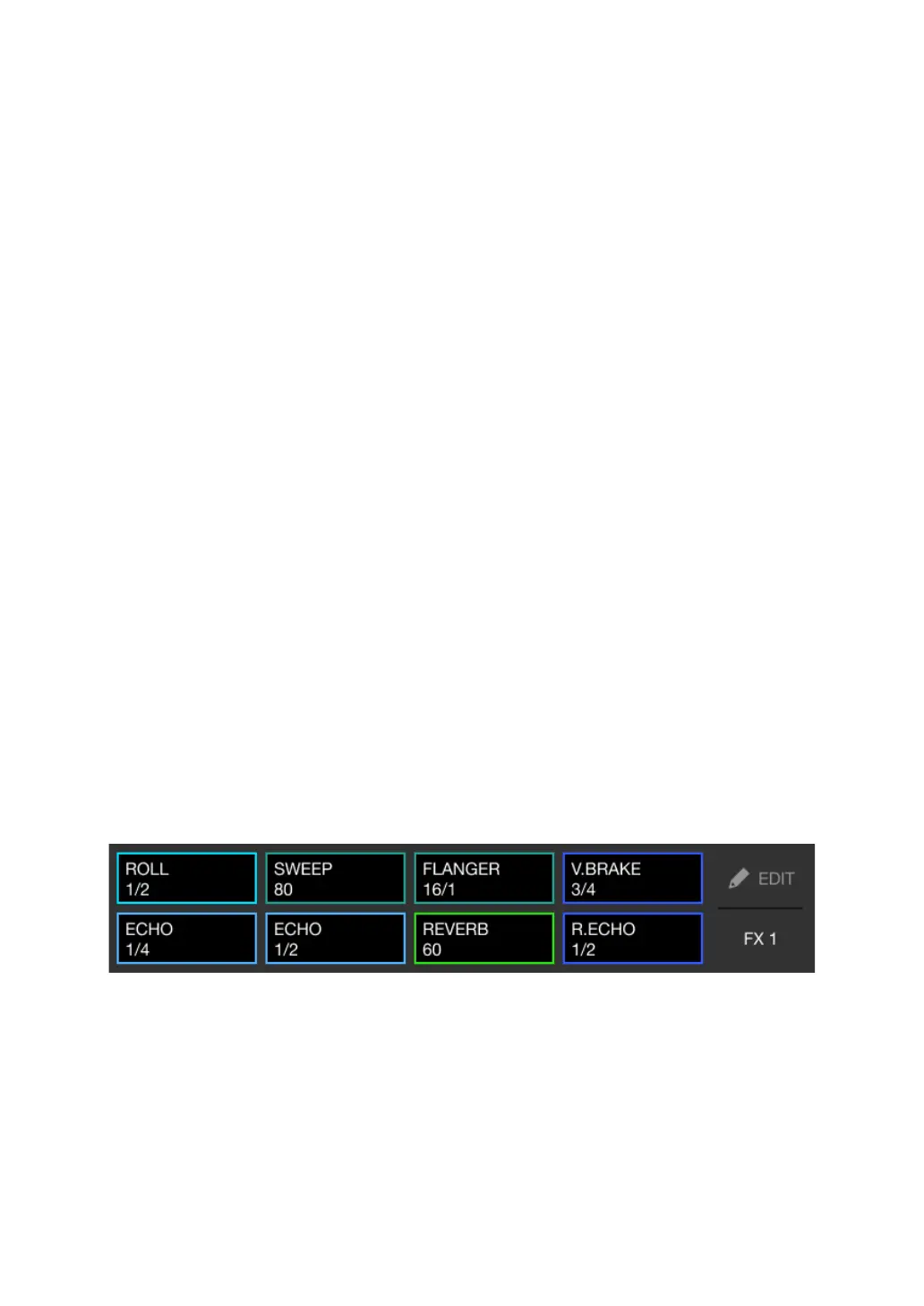
Effects are set to the Performance Pads as follows.
2 Press and hold down a Performance Pad.
The effect turns on. The sound changes according to the type of effect and the
number of beats in the settings assigned to that pad.
3 Release the Performance Pad.
The effect turns off.



 To Next Page