rekordbox for iOS/Android
47
En
Using Sampler
You can use the Performance Pads to play tracks or sounds assigned
to the Sampler slots.
1 See: Changing pad mode (page 43) to enter Sampler mode.
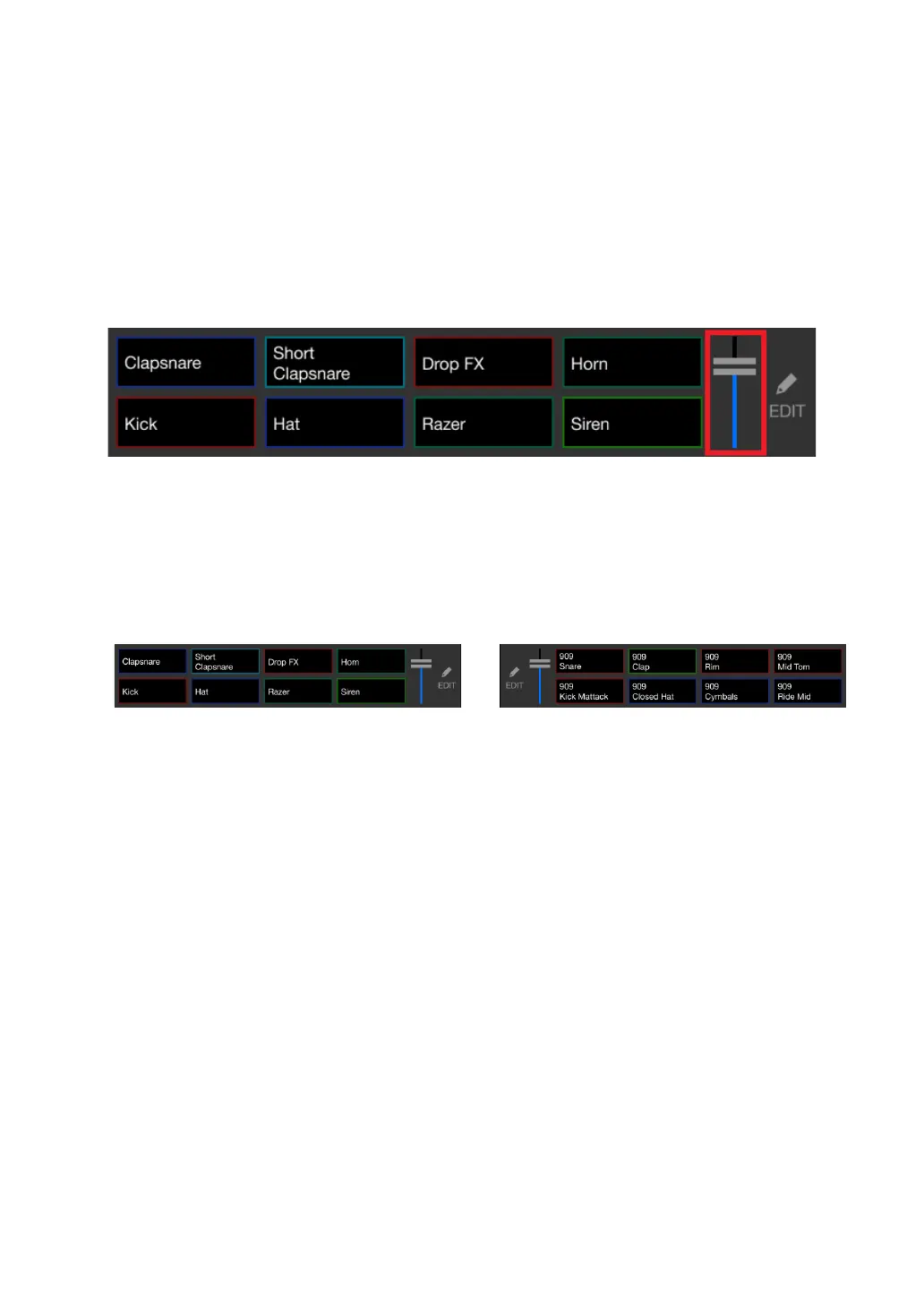
2 Adjust the sampler volume.
3 Press a Performance Pad.
The track or sound assigned to the relevant slot is played.
• Samplers set to the Performance Pads on deck 1 and deck 2 are different.
4 During Sampler playback, press the Performance Pad again.
The sound plays from the beginning again.
5 Press the Performance Pad while holding the [SHIFT] button during
Sampler playback.
The sound of the slot that is currently playing stops.



 To Next Page