3.2 Operation of AlphaPhone 500 telephone
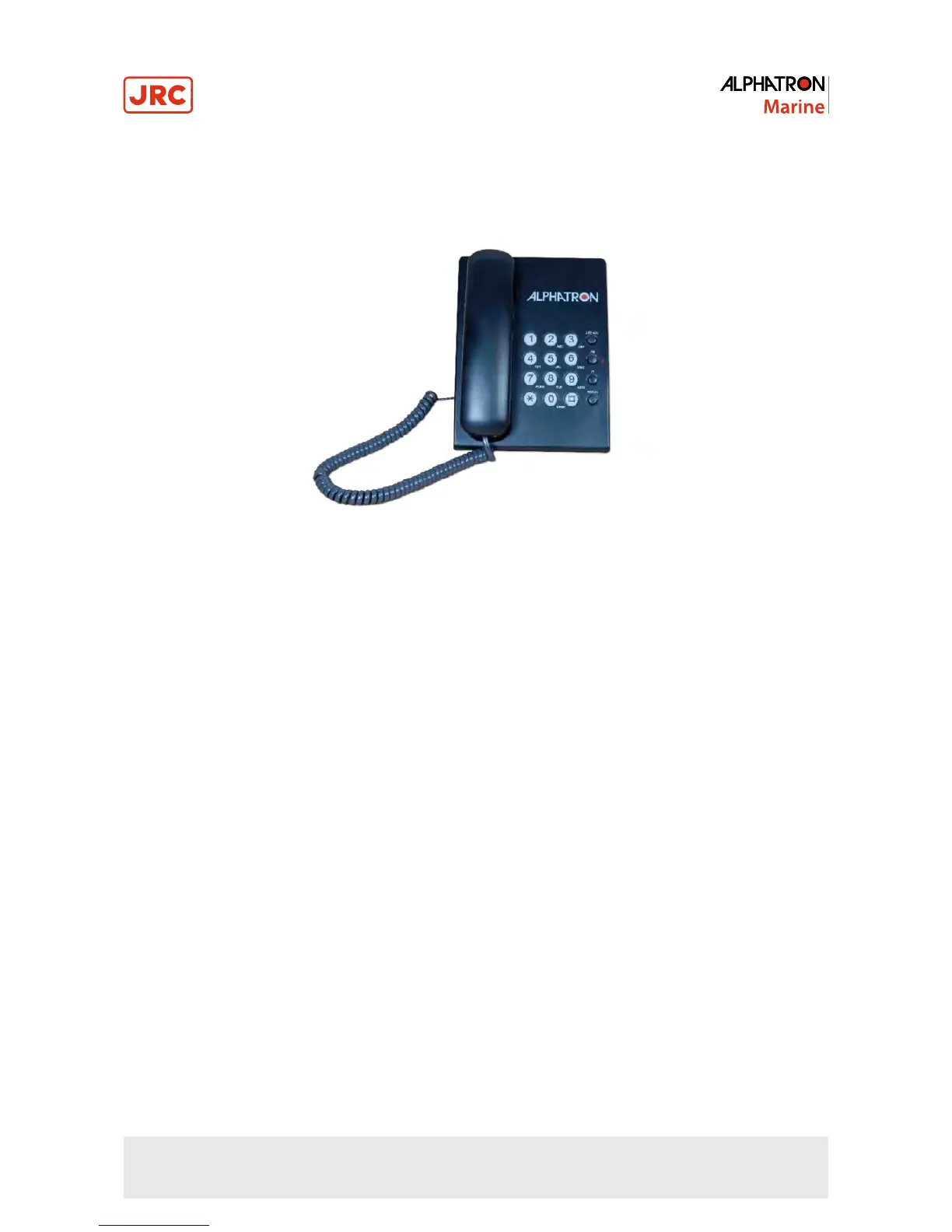
3.2.1 Visualization
Figure 18: AlphaPhone 500
3.2.2 Receiving a call
Whenever the phone rings, pick up the handset and use it as a standard telephone.
3.2.3 Making a call
Pick up the handset and dial the number you want to call.
3.2.4 Redialing last number
Pick up the handset, wait for a dial tone and press the “REDIAL” button.
To get a new dial tone, press the HOOK SWITCH or hang up the phone for 2 seconds. Then press REDIAL.
3.2.5 Flash button
The REDIAL button is used to send timed hook flash on the telephone line for accessing services such as call waiting
and call forwarding. (Call waiting is telephone company service). FLASH may also be used to obtain a new dial tone. Be
careful not to reset FLASH during normal conversation as this cause your party to be cut off.
3.2.6 Adjusting LED brightness
Press and turn the “LED ADJ” key to adjust the brightness of back light keypad.
3.2.7 Headset Connection
To activate the headset connected to the telephone by a plug, simply press “HS”.
When HS function is active, the HS LED on the telephone will be on.
3.2.8 Ringer HI / LOW Switch
When you don’t want to be disturbed on incoming calls, slide the ringer switch to “LOW” position. It is still possible to
hear the ringer, but ringing sound will decrease. Switch to normal ringing sound by sliding the switch to “HI” position.
40 | Operating of telephones



 To Next Page