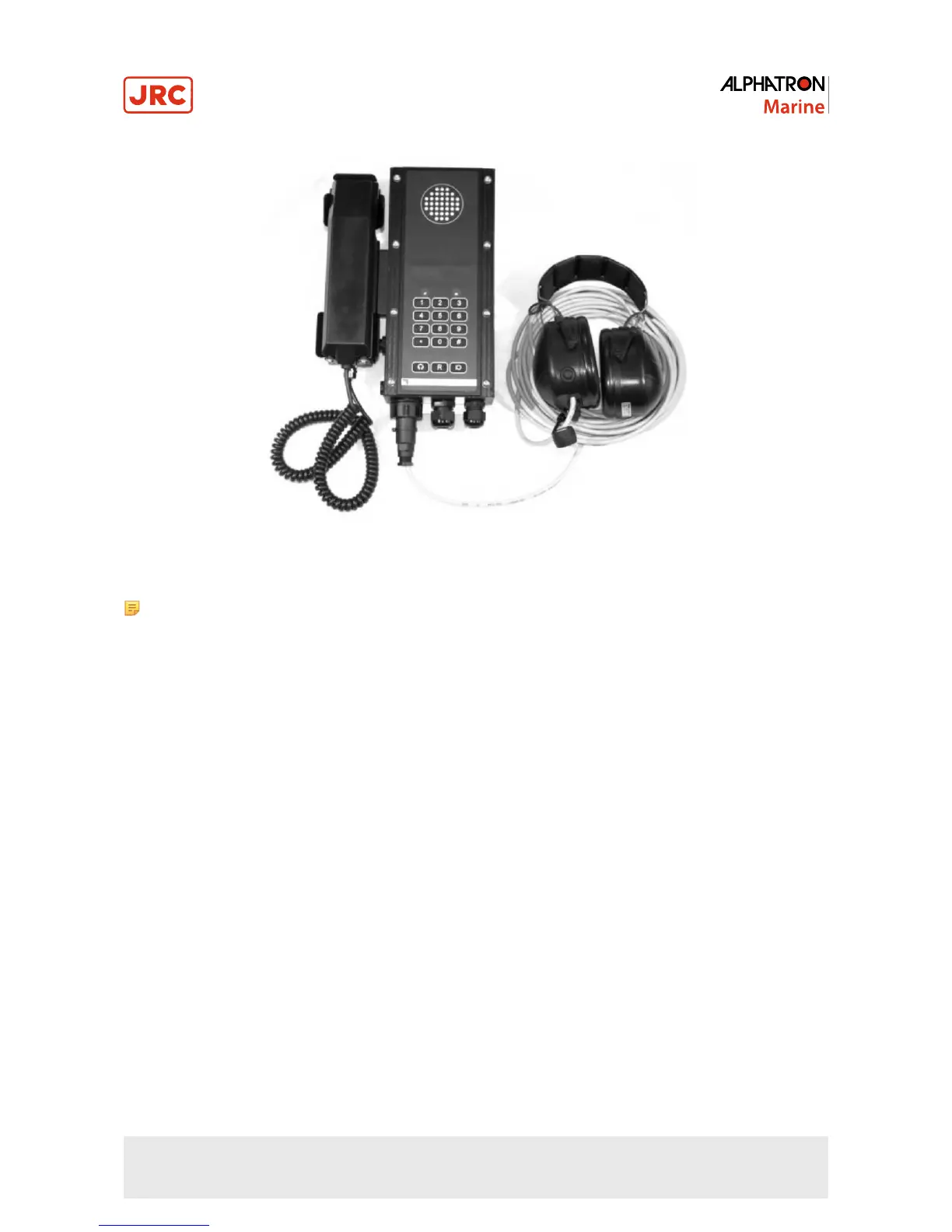
Figure 24: AlphaConnect P220 plus handset and headset
Note the picture above is for information only (to show the reader a setup with both a handset and a headset).
4.2.2 Making calls
4.2.2.1 Using handset
Perform the following steps to make call using the handset:
1. Lift handset from its cradle and await the continuous dial tone to sound
2. Dial the number
3. Await the answering
4. Conduct the conversation
5. Terminate call by replacing handset
4.2.2.2 Using headset
Perform the following steps to make call using the headset:
1. Press the headset key and await the continuous dial tone to sound
2. Dial the number
3. Await answering
4. Conduct the conversation
5. Terminate call by pressing the headset key or by pressing the push-to-talk button of the headset 3 times fast.
When pressed for more than 0.5 seconds, the microphone of the handset turns into push-to-talk mode. In this mode,
the microphone of the handset is only turned on when the push-to-talk key is pressed, and it is muted when the key is
released. This is useful in noisy environment. Return to full duplex mode can be done by pressing the push-to-talk key
shortly (less than 0.2 sec).
50 | Operation of communication stations


 To Next Page