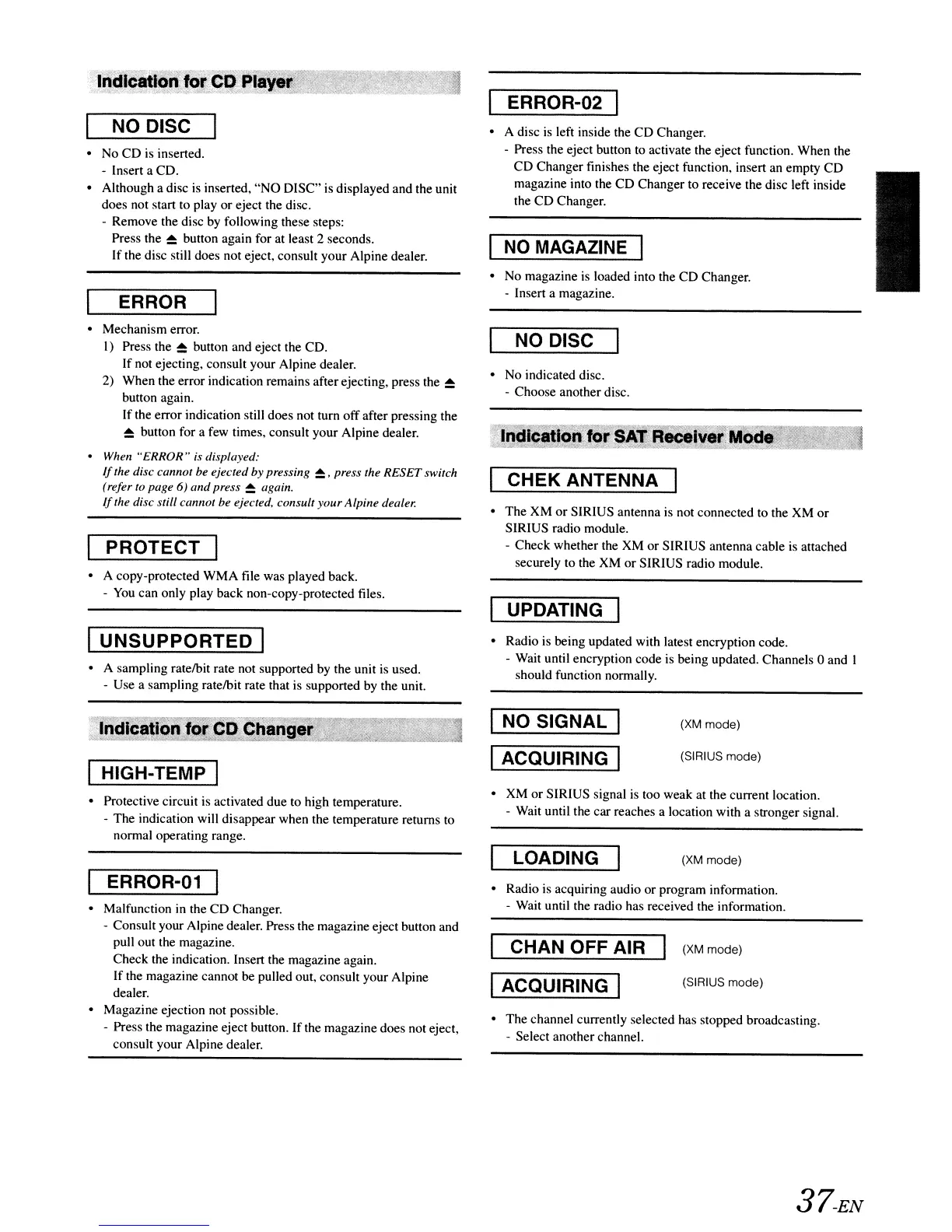
NO DISC
•
No
CD is inserted.
- Insert a CD.
• Although a disc
is
inserted,
"NO
DISC" is displayed and the unit
does not start to play or eject the disc.
- Remove the disc by following these steps:
Press the
~
button again for at least 2 seconds.
If
the disc still does not eject, consult your Alpine dealer.
ERROR
• Mechanism error.
I) Press the
~
button and eject the CD.
If not ejecting, consult your Alpine dealer.
2) When the error indication remains after ejecting, press the
~
button again.
If the error indication still does not turn offafter pressing the
~
button for a few times, consult your Alpine dealer.
• When "ERROR" is displayed:
If
the disc cannot
be
ejected
by
pressing
~,
press the
RESET
switch
(refer
10 page
6)
and
press
~
again.
If
the disc still cannot
be
ejected, consult
your
Alpine dealer.
PROTECT
• A copy-protected WMA file was played back.
-
You
can only play back non-copy-protected files.
I
UNSUPPORTED
I
• A sampling ratelbit rate not supported
by
the unit is used.
- Use a sampling ratelbit rate that
is
supported
by
the unit.
ERROR-02 I
• A disc
is
left inside the CD Changer.
- Press the eject button to activate the eject function. When the
CD Changer finishes the eject function, insert an empty CD
magazine into the CD Changer to receive the disc left inside
the CD Changer.
I
NO
MAGAZINE
I
•
No
magazine
is
loaded into the CD Changer.
- Insert a magazine.
NO DISC
• No indicated disc.
- Choose another disc.
CHEK ANTENNA
• The
XM
or
SIRIUS antenna is not connected to the XM
or
SIRIUS radio module.
- Check whether the XM or SIRIUS antenna cable is attached
securely to the XM or SIRIUS radio module.
UPDATING I
• Radio is being updated with latest encryption code.
- Wait until encryption code is being updated. Channels 0 and I
should function normally.
• XM or SIRIUS signal
is
too weak at the current location.
- Wait until the car reaches a location with a stronger signal.
• Radio is acquiring audio or program information.
- Wait until the radio has received the information.
• The channel currently selected has stopped broadcasting.
- Select another channel.
IHIGH-TEMP I
• Protective circuit
is
activated due to high temperature.
- The indication will disappear when the temperature returns
to
normal operating range.
ERROR-01
• Malfunction in the CD Changer.
- Consult your Alpine dealer. Press the magazine eject button and
pull out the magazine.
Check the indication. Insert the magazine again.
If the magazine cannot be pulled out, consult your Alpine
dealer.
• Magazine ejection not possible.
- Press the magazine eject button. If the magazine does not eject,
consult your Alpine dealer.
NO SIGNAL
ACQUIRING
LOADING
I CHAN OFF AIR
IACQUIRING I
(XM
mode)
(SIRIUS mode)
(XM
mode)
(XM
mode)
(SIRIUS mode)
37-EN



 To Next Page