12
EnglishEnglish/Français/Español
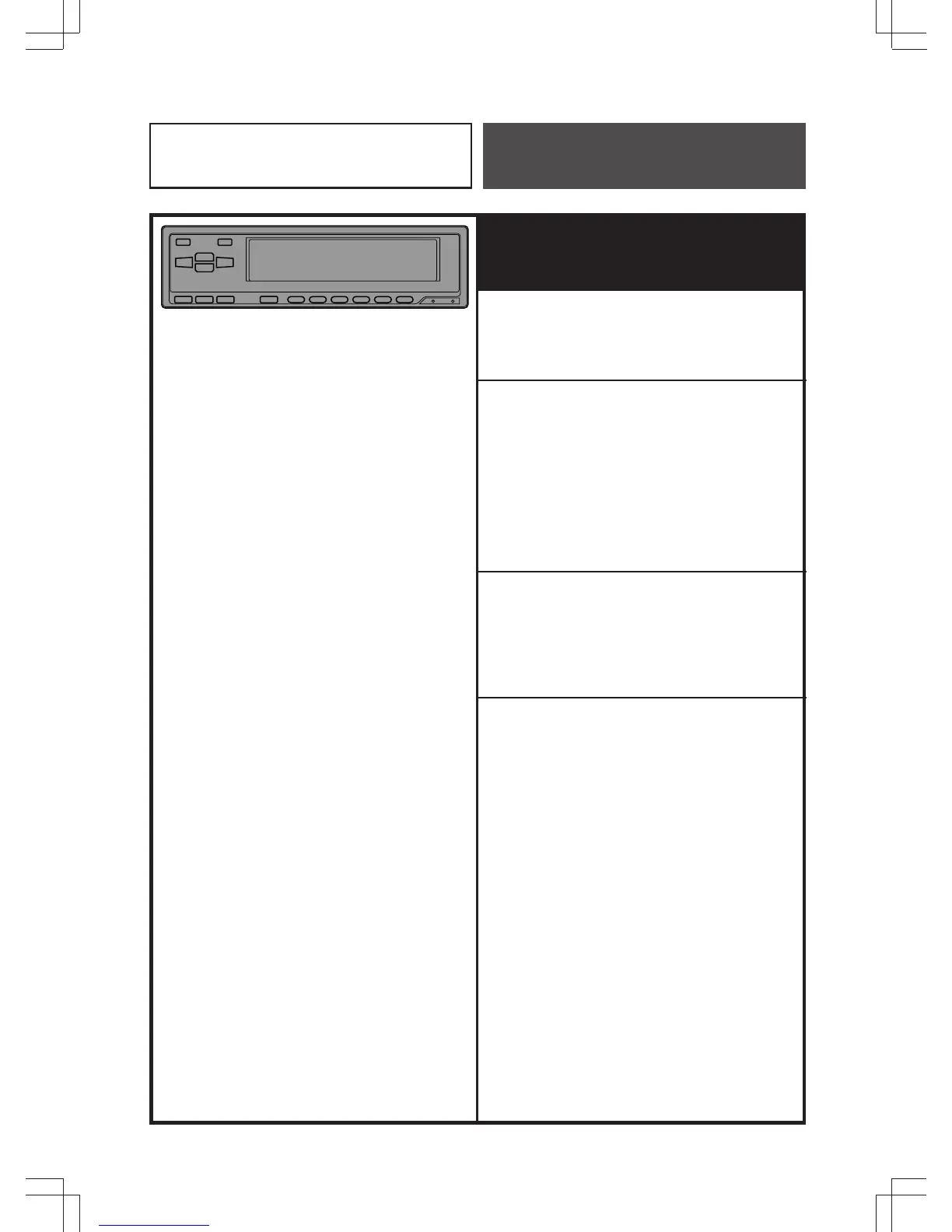
Operating procedures for use
with Ai-NET Head Units
Setting Input Level
The input level adjustment is not necessary.
Adjusting Volume/Balance/
Fader/Subwoofer
Make each adjustment on the Head Unit.
For PHASE switching, press and hold the
Audio Control button on the Head Unit at
least 2 seconds.
Changing Lighting Color
The lighting color will be changed with the
lighting color of the Head Unit changed.
Note: Some functions or displays are limited
depending on the product used.
If you have any question, consult with
the authorized Alpine dealer.
Operation



 To Next Page