22
EnglishEnglish/Français/Español
1
Creating a Custom BBE
Curve
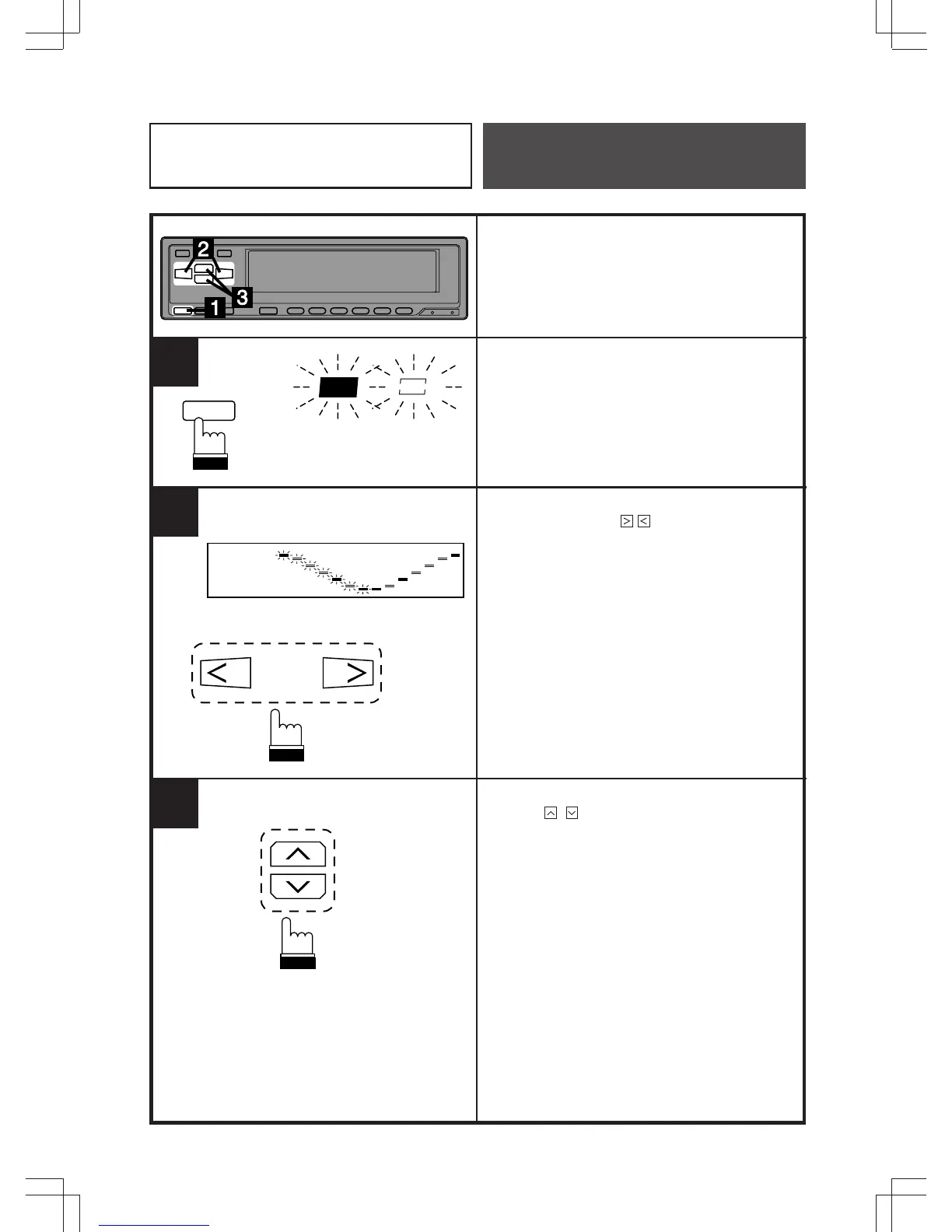
Press the BBE button to select a BBE mode
to be adjusted. The BBE indicator will blink
for 5 seconds.
While the BBE indicator is blinking, press the
EQ Band up/down ( / ) buttons to select
either the high or low frequency bands to be
adjusted.
Adjust for desired levels by pressing the level
UP/DN ( / ) adjusting buttons while the
indicator is blinking.
Adjustments can be made to the other BBE
modes by repeating the above procedures for
each one you wish to customize.
BBE
1
2
3
BBE
Example/Exemple/Ejemplo: BBE 1
Equalizer/Surround
Operation



 To Next Page