30
EnglishEnglish/Français/Español
Adjusting the Surround
Settings
You can adjust the Surround settings for your
preference.
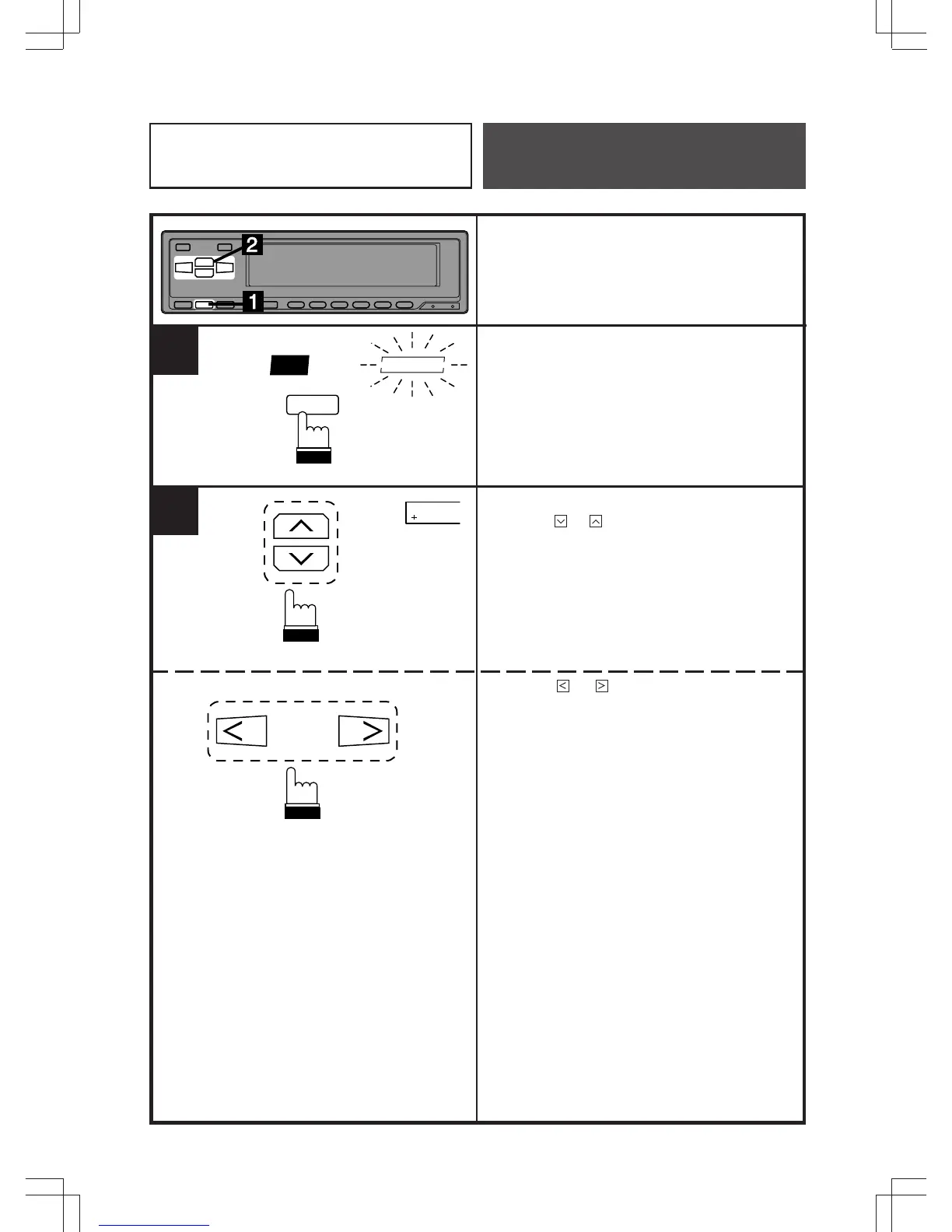
Press the SUR button repeatedly to select
the desired surround mode (except NOR-
MAL). The selected surround mode indicator
blinks for 5 seconds.
While the surround mode indicator is blinking,
press the or button to decrease or
increase the reverberation level. Adjustments
can be made within a range of +4 to
–4 steps.
Press the or button to adjust the initial
reverberation time. Adjustments can be made
within a range of +4 to –4 steps.
1
SUR
STADIUM
SUR
2
4
Equalizer/Surround
Operation



 To Next Page