40
EnglishEnglish/Français/Español
Selecting the Factory Preset
Surround Modes
Note: If 14-band equalizer is selected, the
DSP Surround function can not be
used.
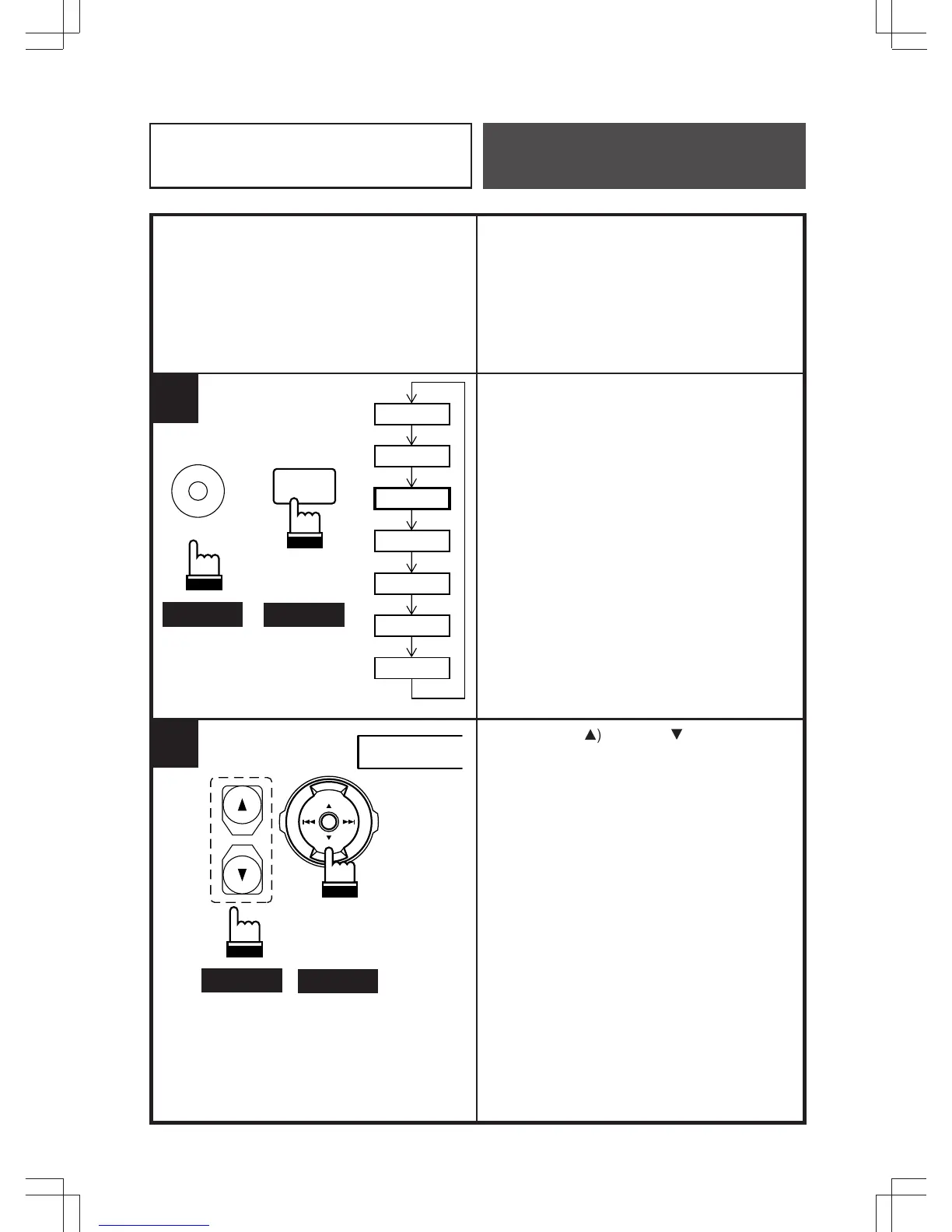
Press the A.PROC button and select the
surround mode.
★: Some functions or displays are limited
depending on the Head Unit used.
Press the Up (
8
) or Down (
9
) button to
select the desired surround mode.
"STADIUM" for example.
Remote Control
Operation
1
RUE-4180
A. PROC
RUE-4160
A.PROC
Head Unit
EQ
SUR
BBE
LPS
T-CORR
Private
RUE-4180
RUE-4160
ENT
★
2
STADIUM



 To Next Page