34
EnglishEnglish/Français/Español
2
1
Switching Display
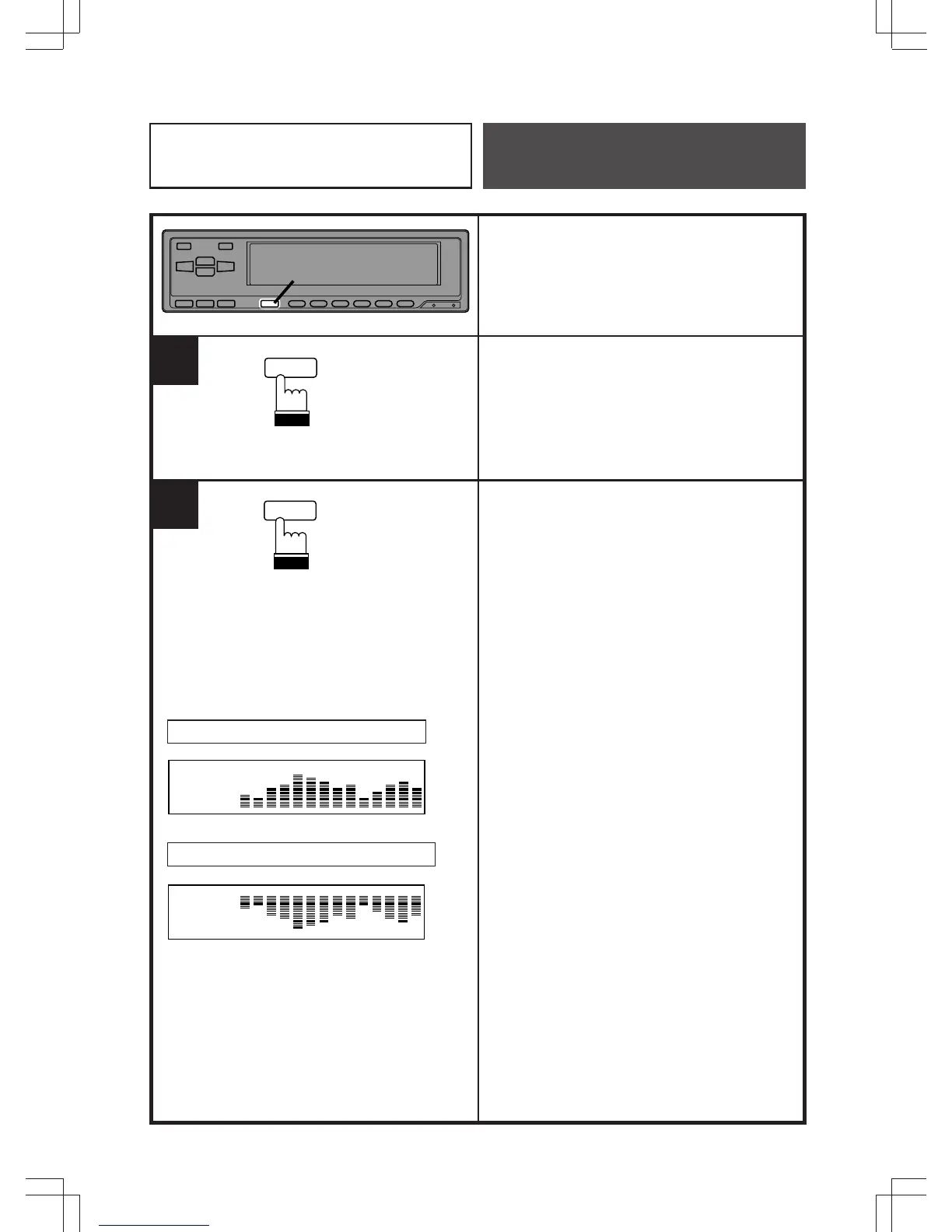
Press the DISP button to switch the display.
Select one of the display patterns you like.
Press and hold the DISP button for more
than 2 seconds. The display will toggle
between normal or inverted mode.
Normal mode/Mode normal/Modo normal
Example/Exemple/Ejemplo
DISP
Reverse mode/Mode inverse/Modo inverso
1.@
DISP
Equalizer/Surround
Operation



 To Next Page