50
EnglishEnglish/Français/Español
Remote Control
Operation
The remote control operations (RUE-4160)
described in the following sections are
applicable to full Ai-NET compatible units
only.
Notes:
• The following display examples appear in
the Alpine Ai-compatible head unit
displays.
• These displays will differ depending upon
the Alpine head unit connected.
Customizing the Equalizer
Settings
Select the equalizer characteristic to be
adjusted. Refer to page 38 "Selecting the
Factory Preset Equalizer Settings".
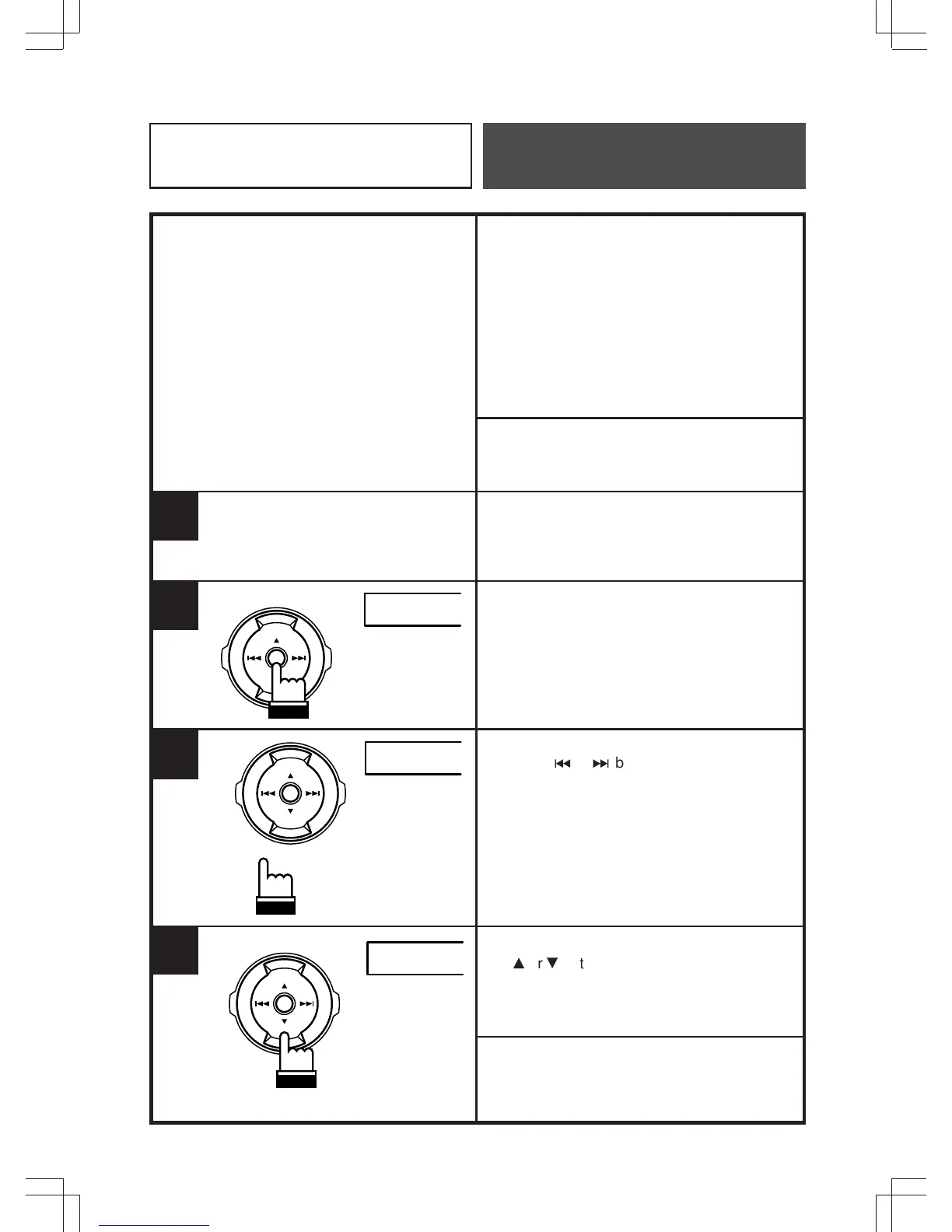
Press the ENT button to enter the frequency
adjustment mode. The first frequency band
will be displayed for 5 seconds.
While in the frequency adjustment mode,
press the
c
or
f
button to display the
frequency to be adjusted.
Changes to the frequency band selected
must be made within 5 seconds, otherwise
the unit will return to normal mode.
While the frequency is still displayed, press
the
8
or
9
button to adjust for the desired
level.
If you want to adjust more, repeat the steps
above.
Note: In the dual mode, press the BAND/
PROG button to switch Front/Rear.
1
2
50 0
ENT
3
2.0K 0
ENT
2.0K +6
4
ENT



 To Next Page