52
EnglishEnglish/Français/Español
1
2
SR LEVEL ±0
ENT
3
SR LEVEL +3
ENT
SR TIME –1
ENT
Remote Control
Operation
Adjusting the Surround
Settings
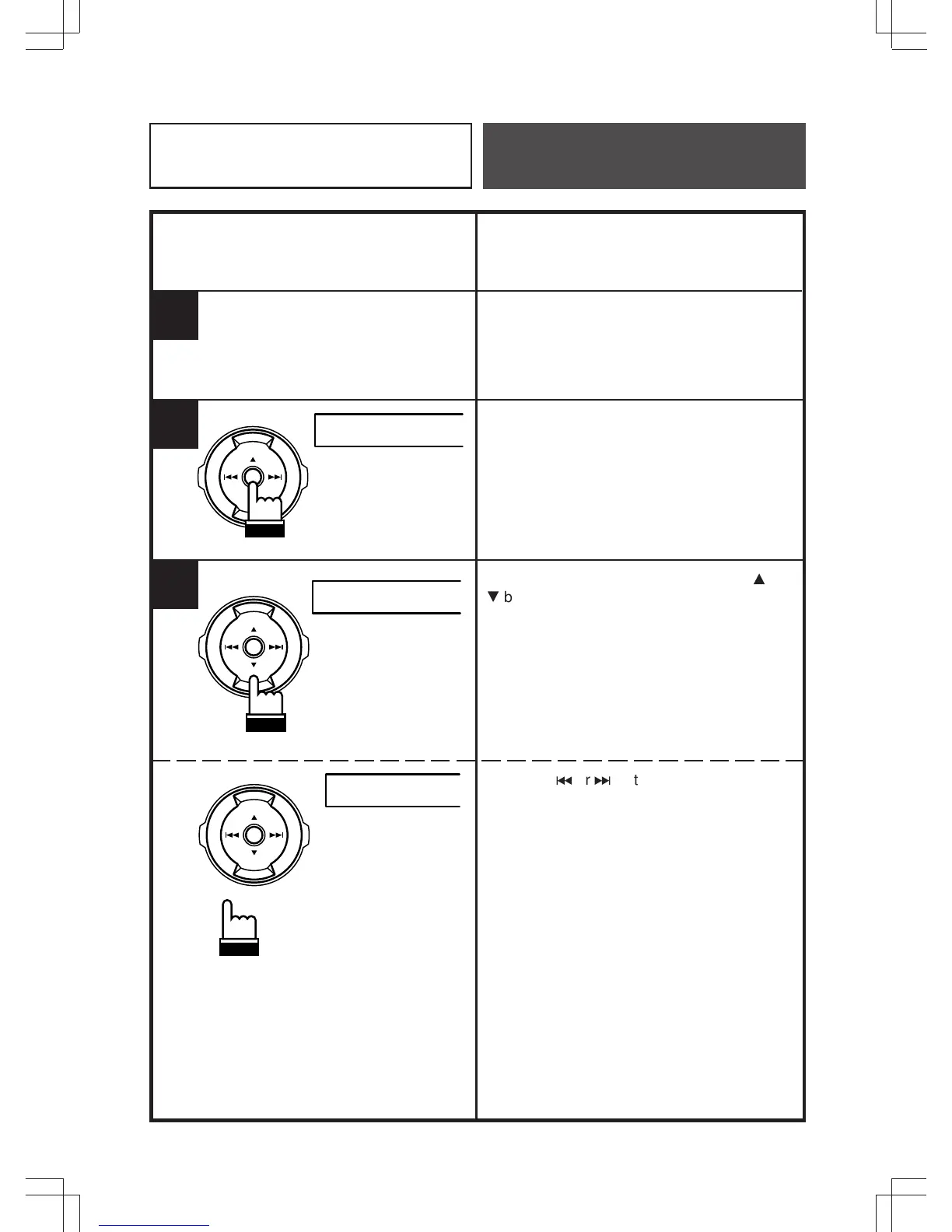
Select the surround mode to be adjusted.
Refer to page 40 "Selecting the Factory
Preset Surround Modes".
Press the ENT button to activate (for 5
seconds) the adjustment mode.
During the adjustment mode, press the
8
or
9
button to adjust for the desired level.
Press the
c
or
f
button to adjust the
reverberation time.



 To Next Page