MaxCommunicator Manual 17
Getting Started
Changing Activity Status and Recording Activity
Greetings
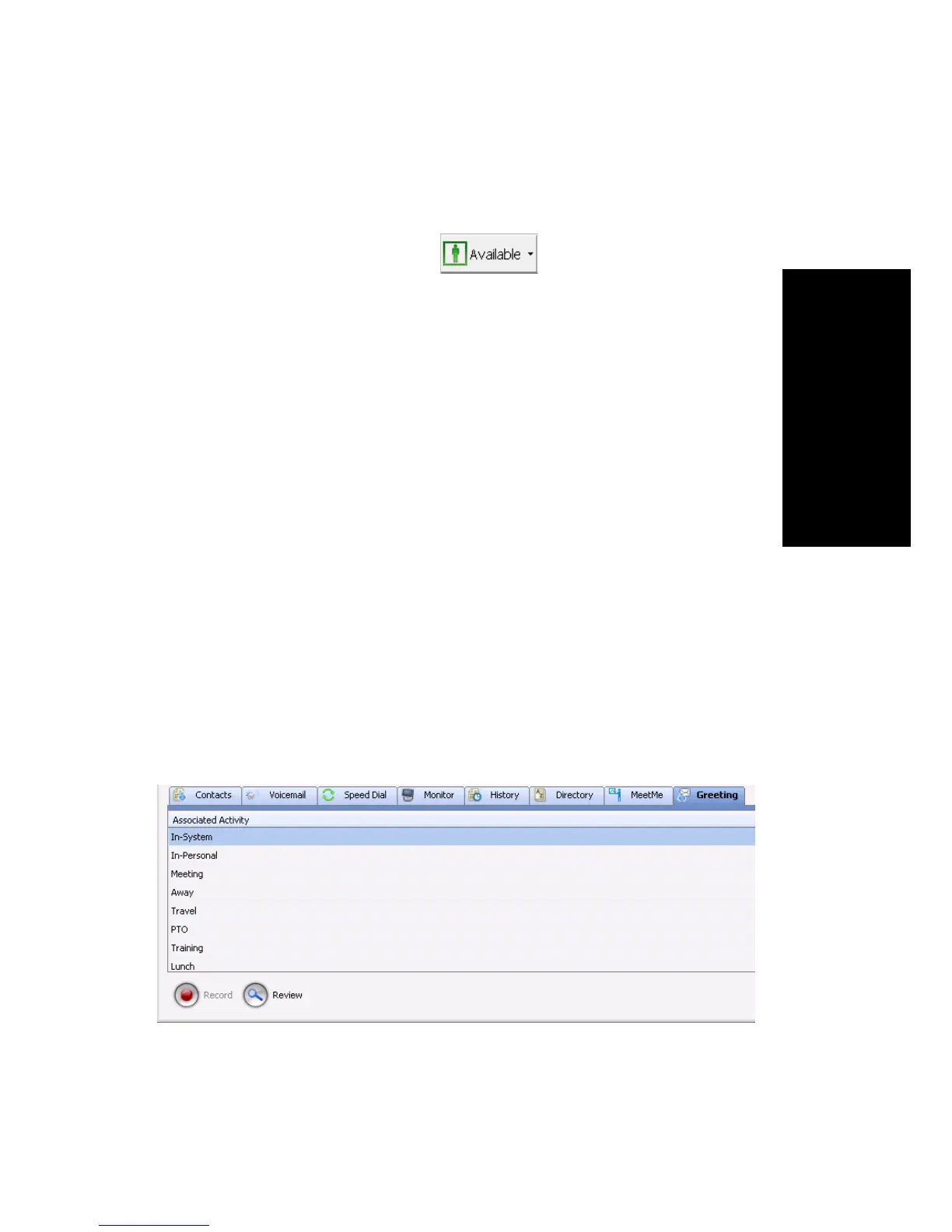
You can specify your whereabouts, so that others are informed. Click the
Down arrow on the Activity button and choose the appropriate
category:
• Available (System) (the system greeting is used)
• Available (Personal) (your personal greeting is used)
• Meeting
• Away
• Travel
• PTO (personal time off)
Your system administrator may have configured additional activities to
select from.
The activity category you select appears beside the button. Keep your
Activity status updated.
You can record a different greeting for each Activity status. To do so, click
the Greeting tab, and select an Activity. Then click the Record button at the
bottom of the tab to record a greeting. (Alternatively, you can right-click the
activity, and select Record.) Use your phone or headset to record the
greeting.
To hear the greeting played back, click the Review. button. Change your
greeting whenever you want to.



 To Next Page