MaxCommunicator Manual 75
Installation
Recording a Phrase
To record a message to add to the phrase list,
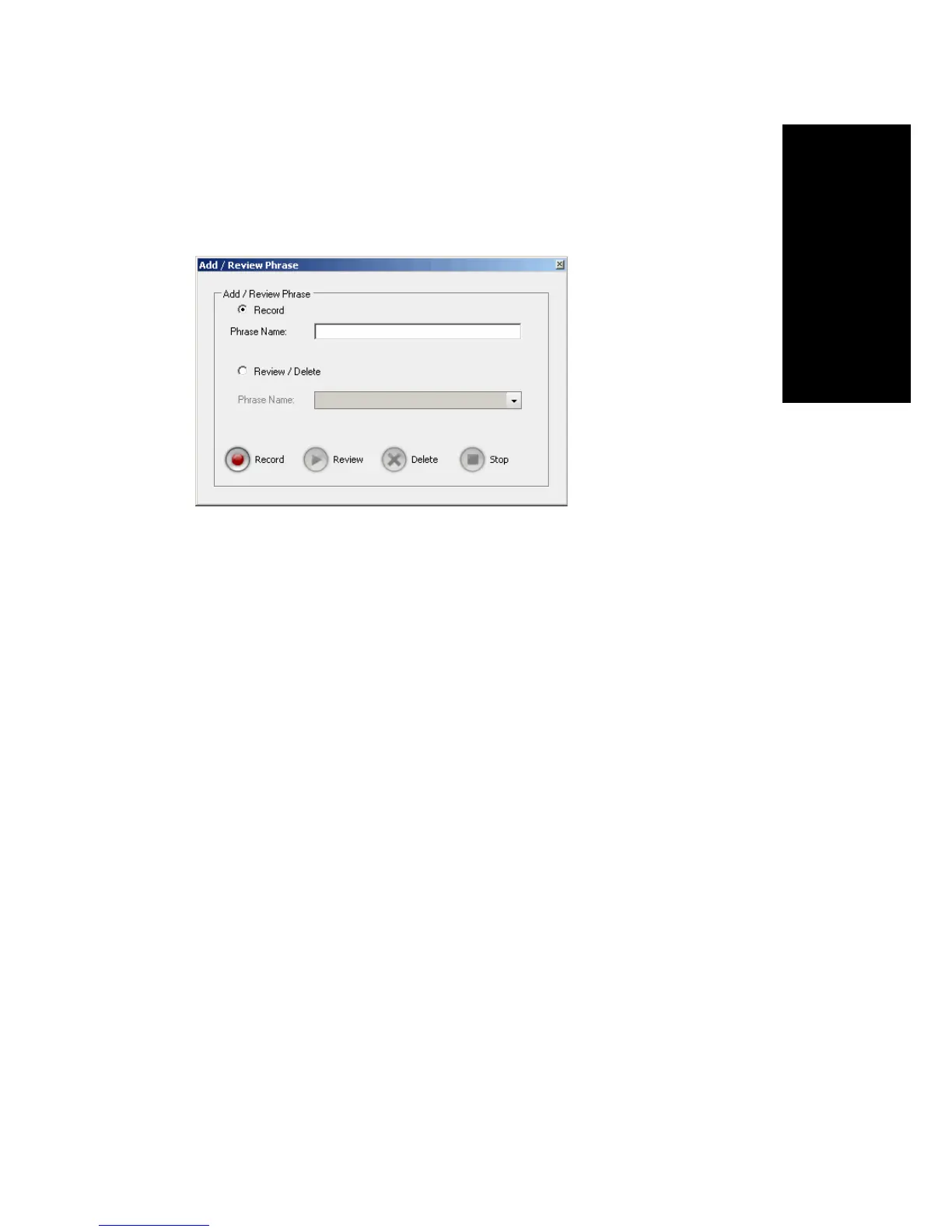
1. Click the Add/Review Phrase button. The Add/Remove Phrase dialog
box appears.
2. Select the Record button.
3. Enter a name in the Phrase Name text box.
4. Click the Record button. Your phone will ring.
5. Answer the phone and record the message.
6. Click the Stop button. The message is saved as a phrase on MAXCS,
and MAXCS notifies you and adds the new phrase to the phrase list in
MaxCall. The length of the phrase is added to the Duration column.
Reviewing a Phrase
To review a phrase,
1. Click the Add/Review Phrase button. The Add/Review Phrase dialog
box opens.
2. Select the Review/Delete button.
3. Select a phrase to review from the drop-down list.
4. To delete the phrase without listening to it, click the Delete button.
You receive a confirmation message. The phrase is deleted from
MAXCS and from the MaxCall list of phrases.
5. To review the phrase, click the Review button. Your phone will ring.
6. Answer the phone and listen to the phrase.



 To Next Page