MaxCommunicator Manual 31
Using
MaxCommunicator
Note: You can also forward a call to voice mail without answering it by
clicking the To Voicemail button while the call is ringing.
Transferring to Auto Attendant
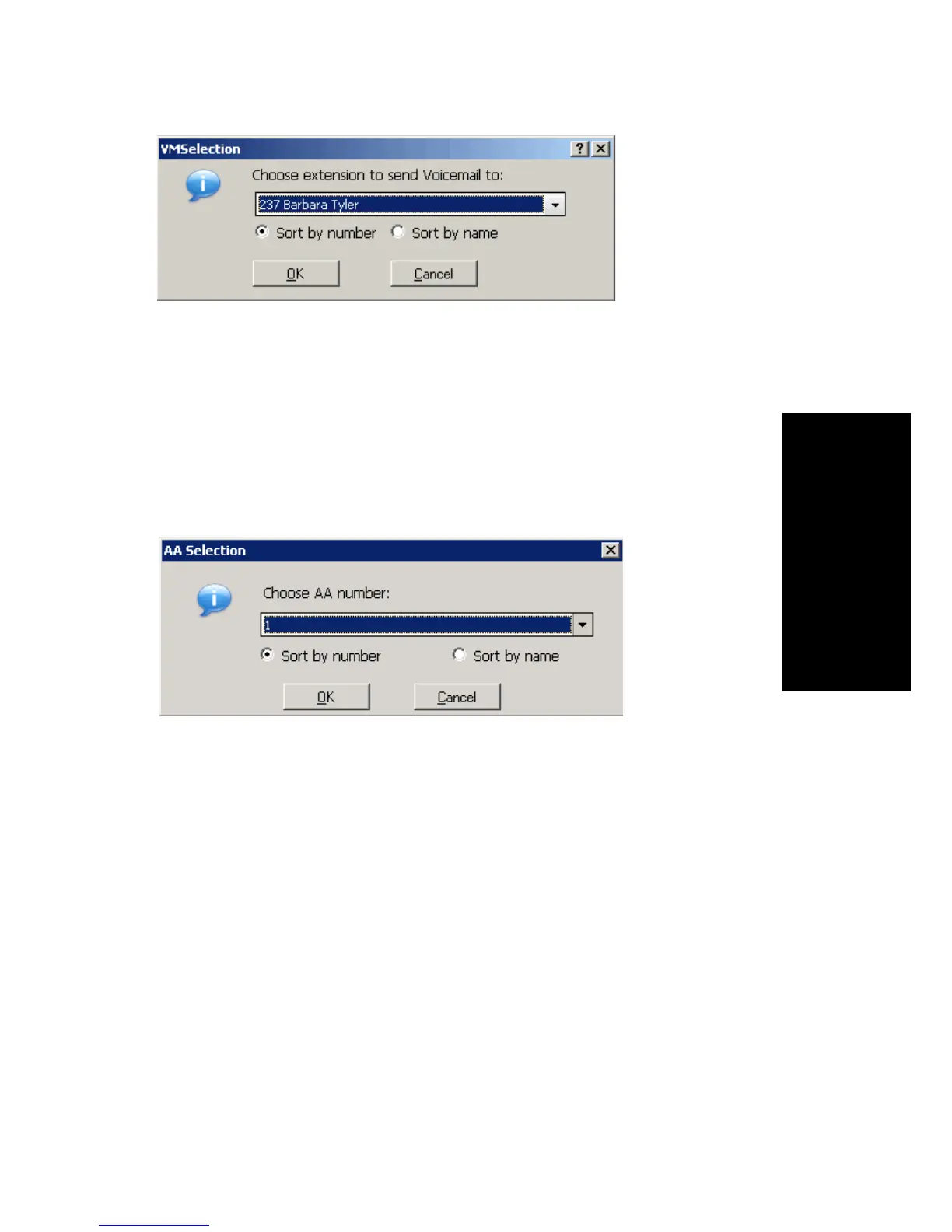
To transfer a call to an auto attendant, while connected to the call click the
To AA button. The AA Selection box pops up. Use the drop-down list to
select an auto attendant to transfer to. (You can sort the list by number or
by name.)
Note: You can forward a call to an auto attendant without answering it by
clicking the To AA button while the call is ringing.
Forwarding Calls Using Do Not Disturb
If allowed, click the DND button to forward all incoming calls according
to your “Enable Busy Call Handling” settings. See “Busy Call Handling
and No Answer Handling” on page 58.
Conference Calls
There are two types of conference calls in MaxCommunicator:
• Station conferencing. In this type of conferencing, when you’re on a
call, you can dial a third party and then conference that party in to the
call. Any internal user is able to add parties to this type of conference
call.



 To Next Page