26 MaxCommunicator Manual
Dialing Out
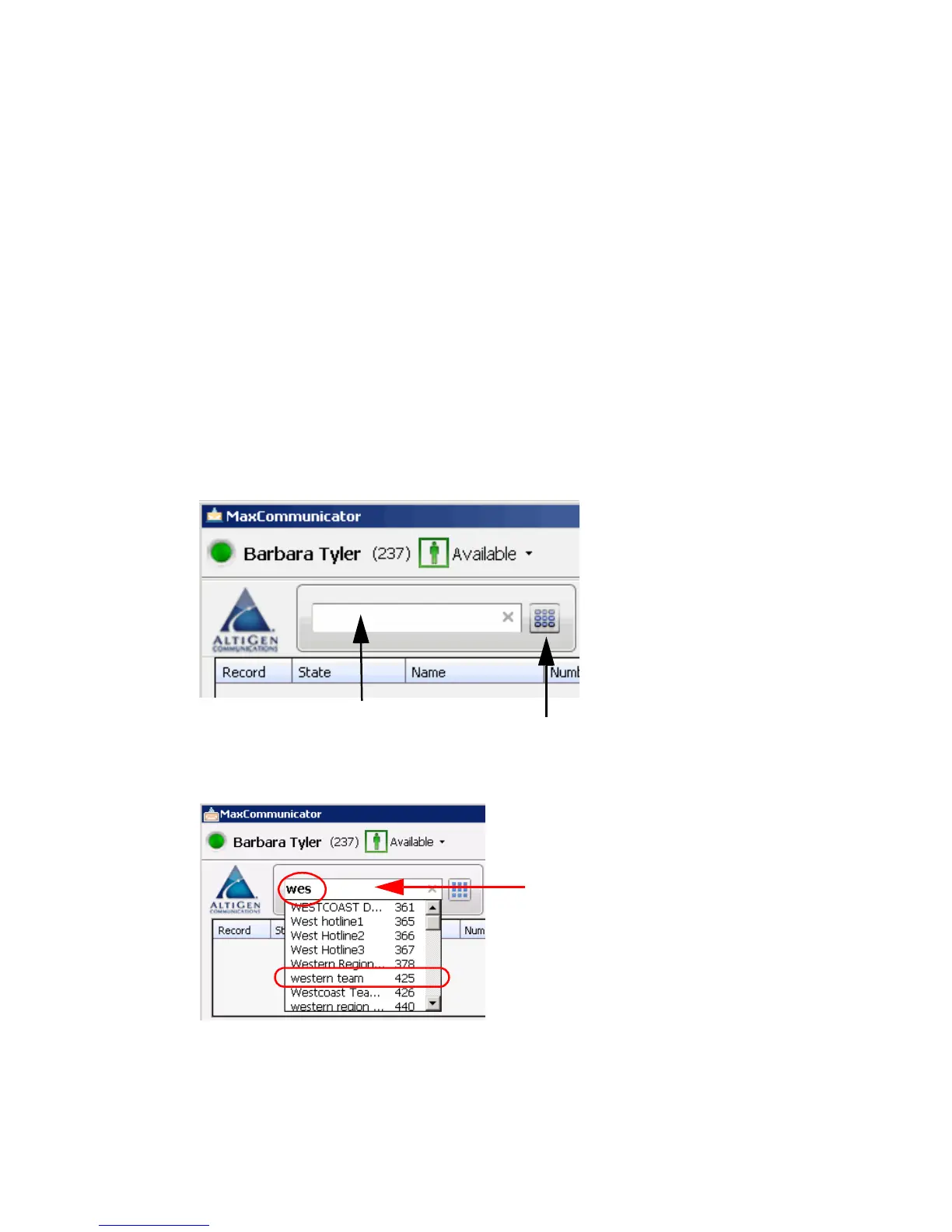
To dial a number, click in the dialing field, enter a number or name, and
then click the Dial button or press Enter on your computer keyboard.
• Enter a number—You can enter a number in the dialing field by
using the standard numeric keys or numeric keypad on your computer,
or by using the dial pad in MaxCommunicator.
• Enter a name—For names recorded in the system, you can enter a
name by using the keyboard on your computer to type the name. Then
select the name from the drop-down list that opens. The number for
that name appears in the dialing field.
To close the drop-down list or clear the dialing field, click the “x” in
the field.
You can click the Dial button to
open the dial pad
You can start typing a
name in the dialing
field to open your
company directory
list. Then select a
name.
You can enter a number
in the dialing field
Searching for
“western team” by
starting to type in the
dialing field



 To Next Page