MaxCommunicator Manual 69
Configuration
Enable OCS Client—Check this box to enable the Microsoft OCS client,
which allows you to initiate instant messaging from MaxCommunicator.
• Sign in URL—The URL of the Microsoft OCS client
• Server—The IP address of the Microsoft OCS client
Use Windows default credentials—Either check this check box to use
Windows default credentials, or enter the OCS domain, account name, and
account password in the appropriate fields.
Note: The OCS needs to be in the same domain as MAXCS.
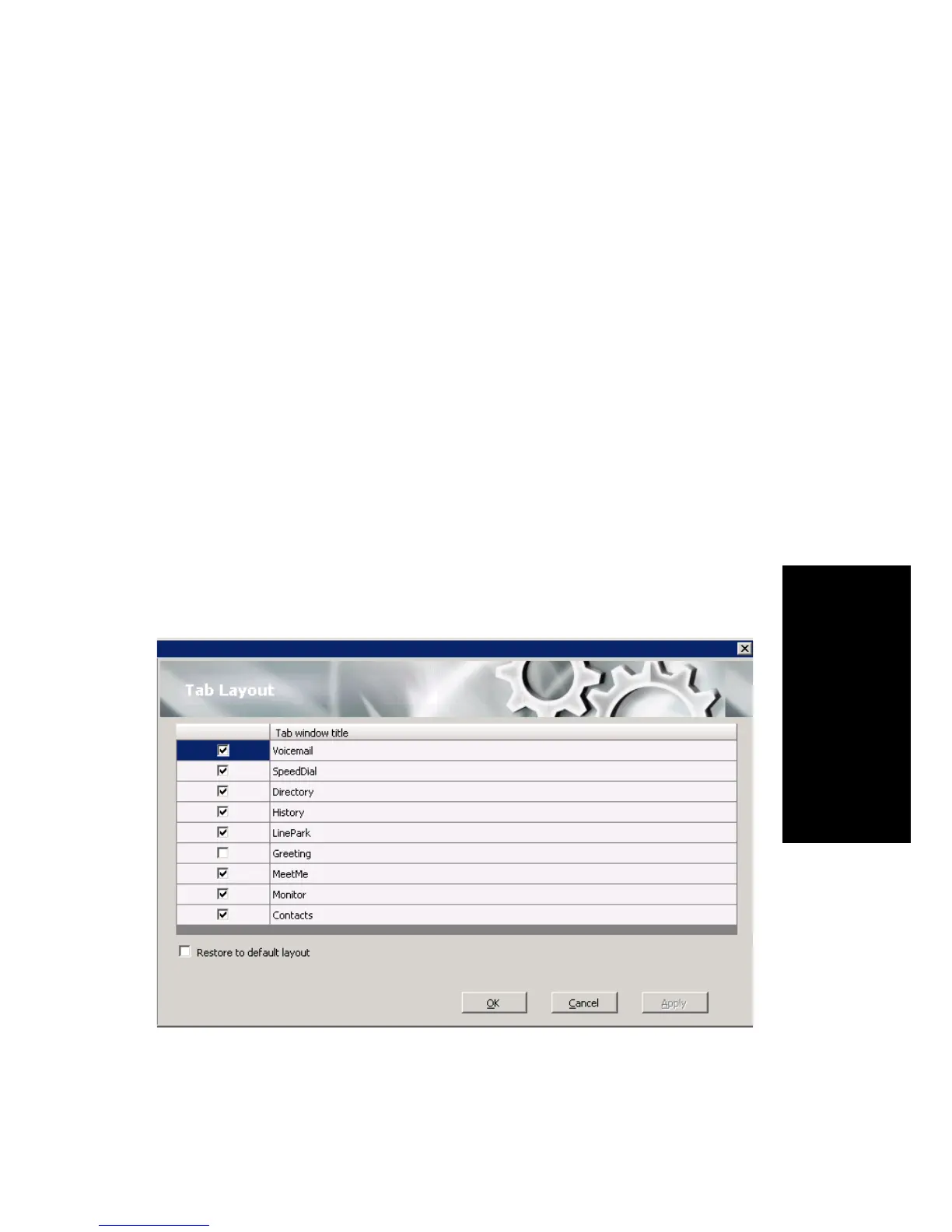
Tab Layout
You can choose which tabs you want to display in MaxCommunicator by
right-clicking in the space to the right of the tabs in the main window and
selecting the tabs you want to show. When no tabs are displayed in the main
window, you can click Voicemail (which displays the Voicemail tab), then
right-click in the space to the right of the Voicemail tab. Or you can
configure the tabs in the Configuration window’s Customization > Tab
Layout screen.
Check the tabs you want to display in MaxCommunicator, and click OK.
To restore all call control buttons, tabs, and application window sizes to the
default settings, check Restore to default layout, and click OK.



 To Next Page