70 MaxCommunicator Manual
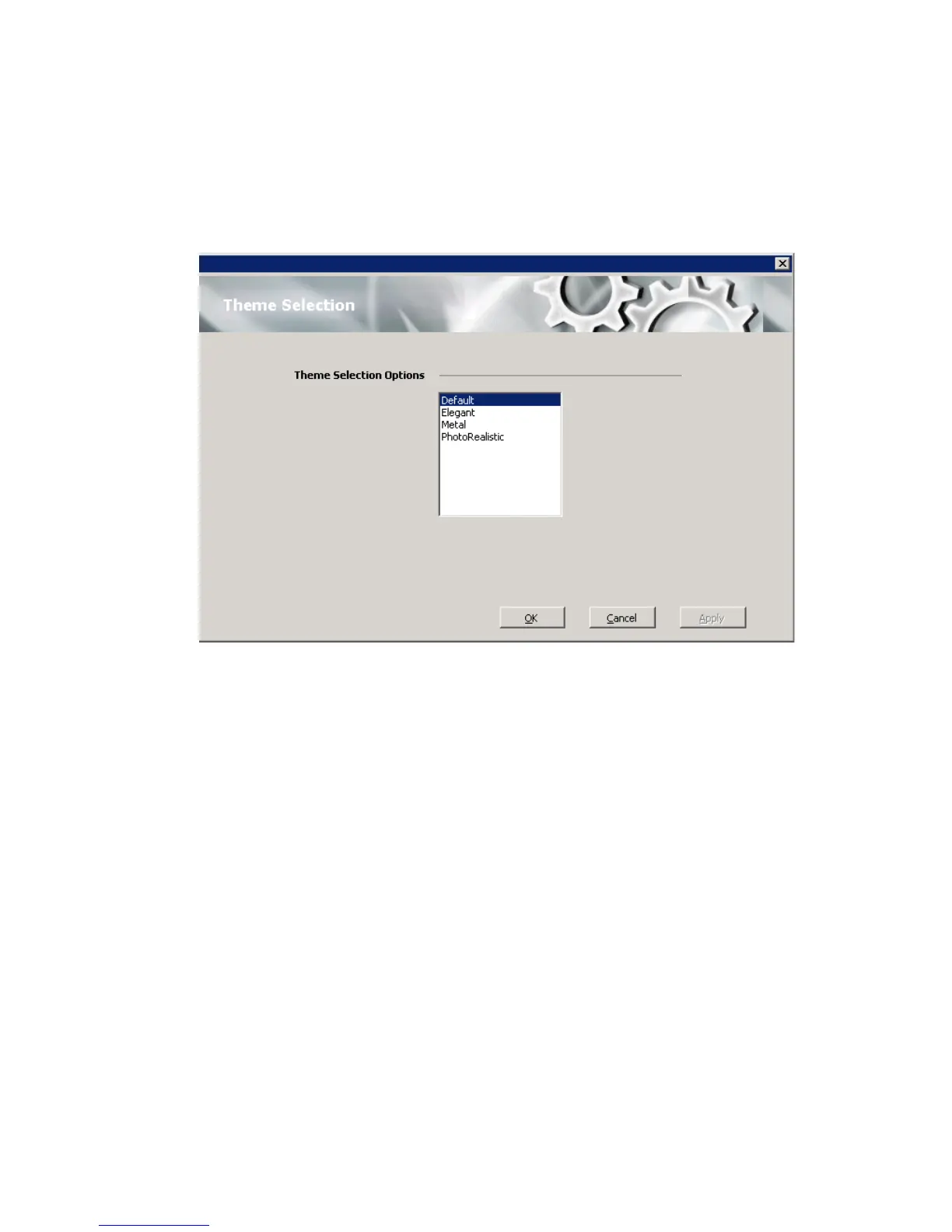
Theme Selection
Choose the display theme of your MaxCommunicator in the Configuration
window’s Customization > Theme Selection screen.
Select a theme and click Apply to see the change, or click OK to accept the
theme. The theme changes without restarting MaxCommunicator.
IPTalk
If you’re using IPTalk, set the options in the IPTalk configuration screen:



 To Next Page