72 MaxCommunicator Manual
• SIP Transport—These settings secure the SIP signaling messages and
the RTP. SIP signaling is secured using transport layer security (TLS).
RTP or SIP-associated media is secured using the secure RTP (SRTP)
protocol. For guidance with these settings, see your system
administrator.
Log
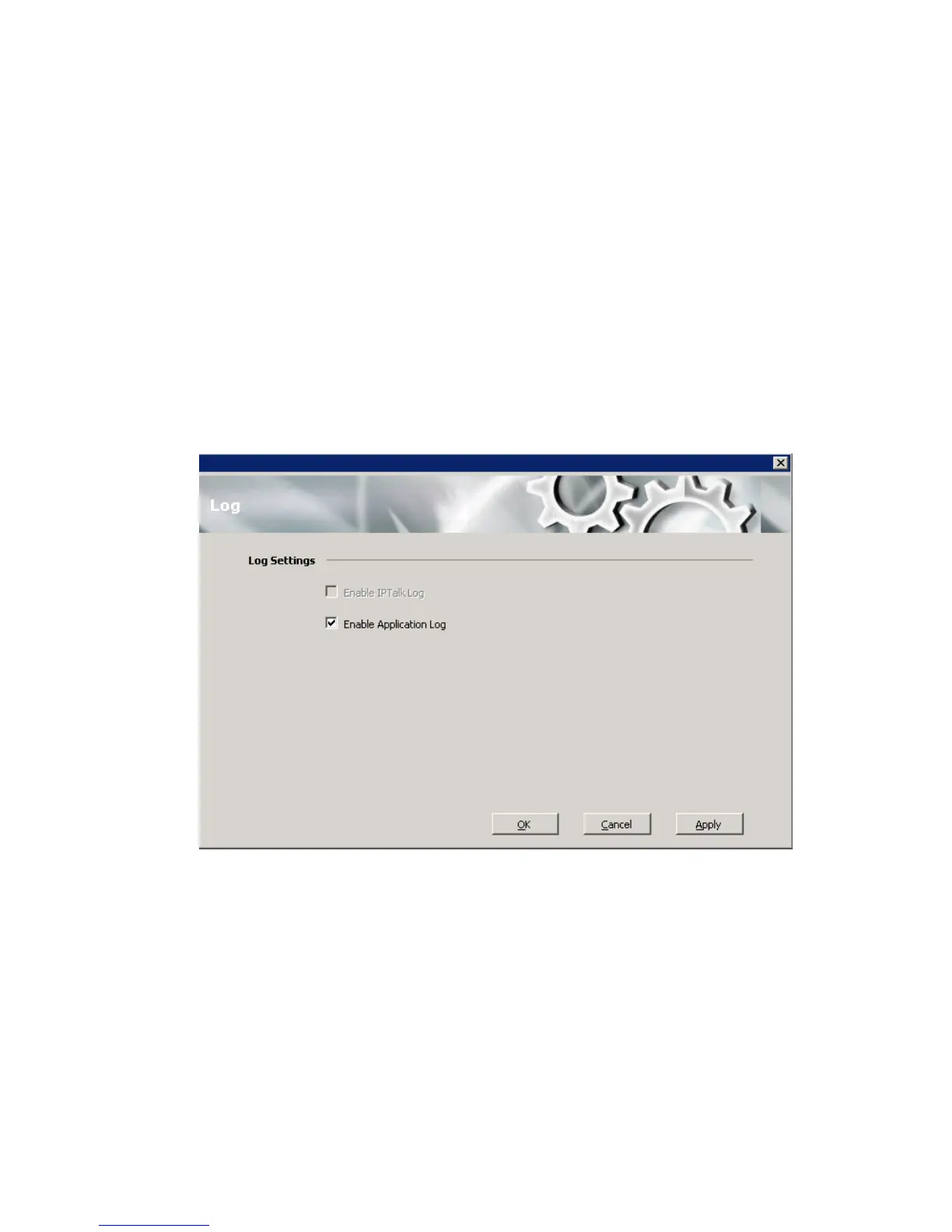
If you want the system to keep error logs for troubleshooting, check the
appropriate box in the Log screen in the Configuration window. Logs are
stored in your \\Documents and Settings\username\Local
Settings\Application Data\AltiGen\MaxCommunicator folder.
The Enable IPTalk Log check box is available only if you’re using
IPTalk. The Application log is for MaxCommunicator.



 To Next Page