9. Senior Instruction
9.1 Off-line Printing
Off-line Printing: copy the “X.gcode”file to the SD card and insert the card into your printer, then start your
printing directly. And you need to change it to “X.gcode”if the file you want to print is “X.STL”.
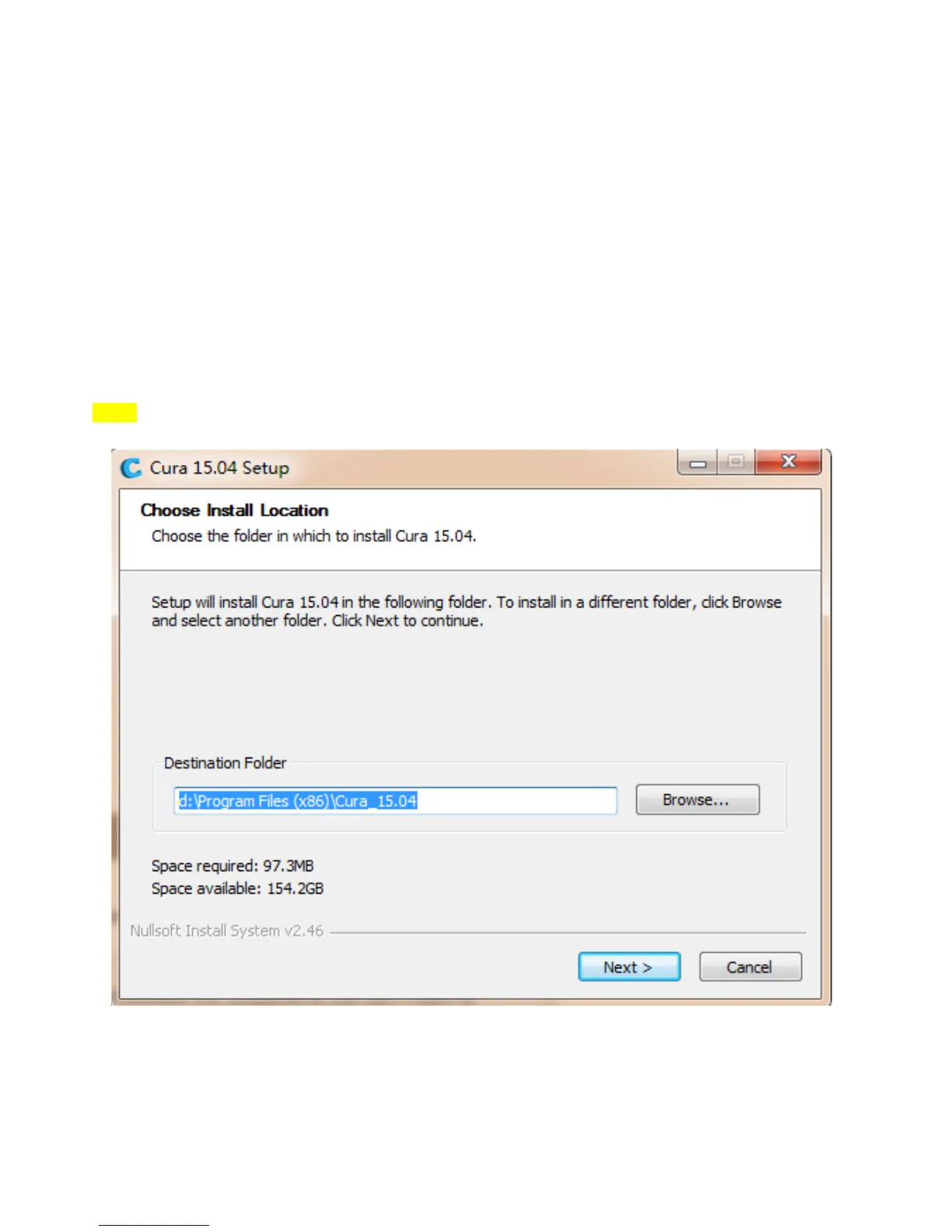
How to use slicing software: Please open the “SD-Card: \ Software\Slicing software” and click the
software“Cura 15.04” to slice the printing file as per the use manual shown on “How to use Cura 15.04”.
9.1.1 How to use Cura 15.04
Note:
(1).We advise new user to use Cura for Slicing.
(2).The data you will slice depend on the item you need to print.
(3).Before you start printing, please make sure the parts of printer work well and the distance between nozzle
and hotbed is about 0.1mm (A4 Paper thickness).
Ps: Most data was default, you need to change them depends on the object you want to print.
Step1:


 To Next Page