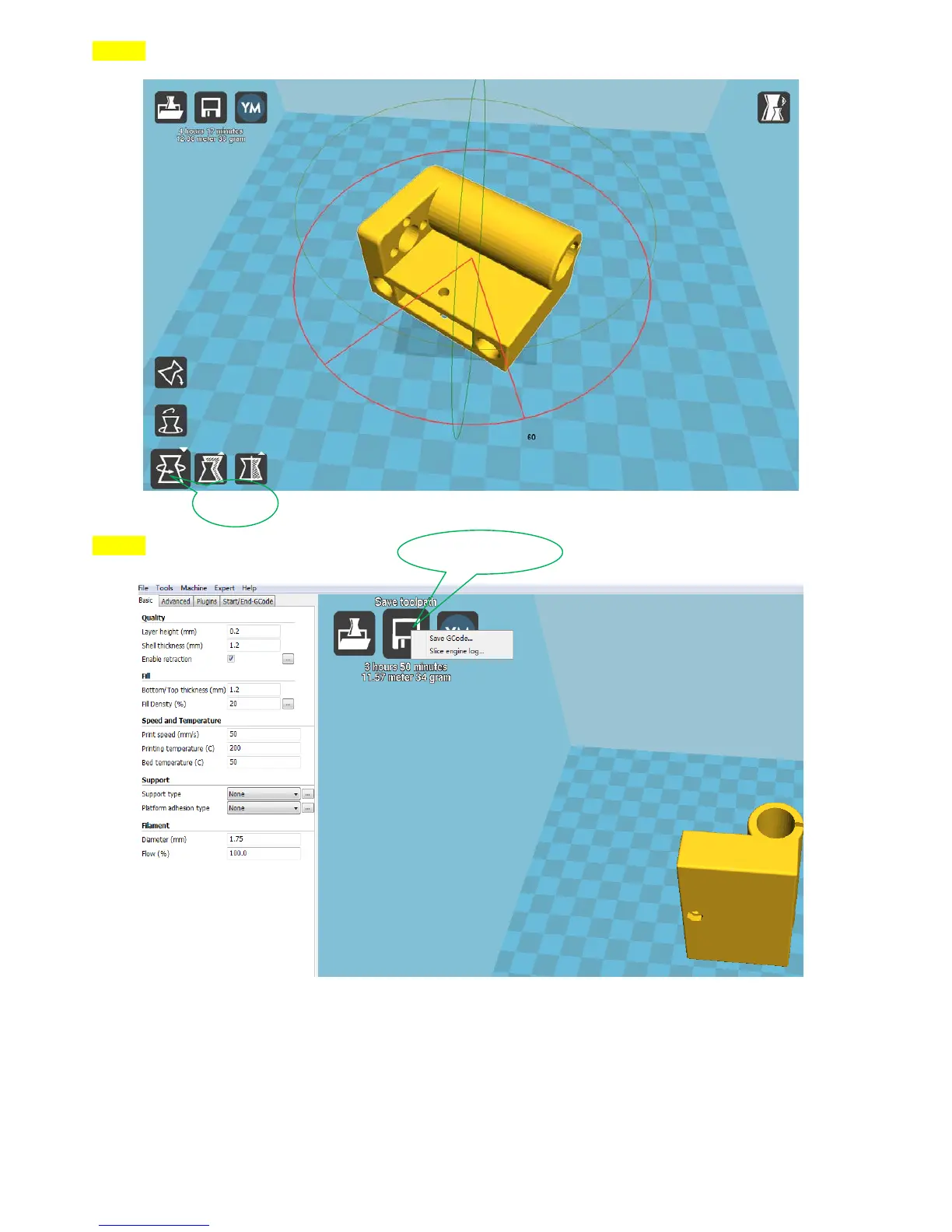
Step14:
Step15:
9.1.2 Online Printing
1. Online Printing: Connect the printer to your computer and then you can get start printing by computer
control.
Connecting to your computer with USB cable: Please open the “SD-Card: \ Software
\RepetierHost_1_0_6” and click the software“RepetierHost_1_0_6”, then you can start printing with
slicing the printing file by Repetier according to “How to use Repetier”.
Note: How to set up 3D printer and computer connection
Save as G-code
Rotate


 To Next Page