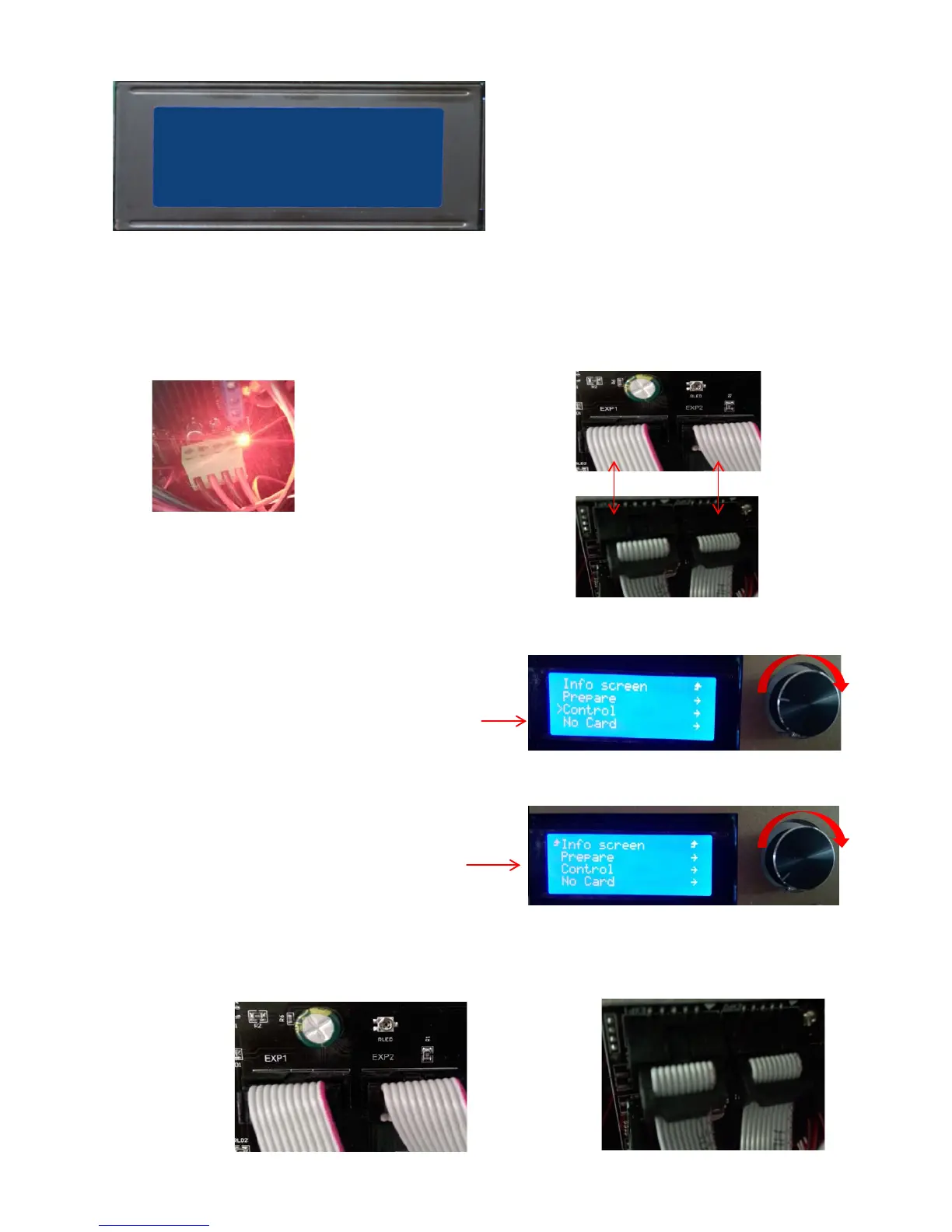
10.2 Trouble: LCD screen is not bright
10.3 Trouble: Rotation button cannot be up and down the selection menu
Solution method
(1). Confirm whether the power supply is normal ;
(2) Confirm the LCD screen on the EXP1, EXP2 port is connected with the EXP1, EXP2 port on the
motherboard, and no loose or poor contact
(LCD screen)
(Motherboard)
(Main board power indicator light,
power supply is normal)
EXP1
EXP1
EXP2
EXP2
(Confirm that the EXP2 interface is properly connected, and that there is no contact with the bad phenomenon )
(LCD screen)
(Motherboard)
EXP2
(Abnormal figure)
(By rotating the button on the left side of the pointer
can be up and down the selection menu)
(No response to the left pointer by the rotation button)


 To Next Page