10.4 No extruded filament when printing
10.5 Problems on the distance between nozzle and hotbed
10.6 Model Dislocation when printing
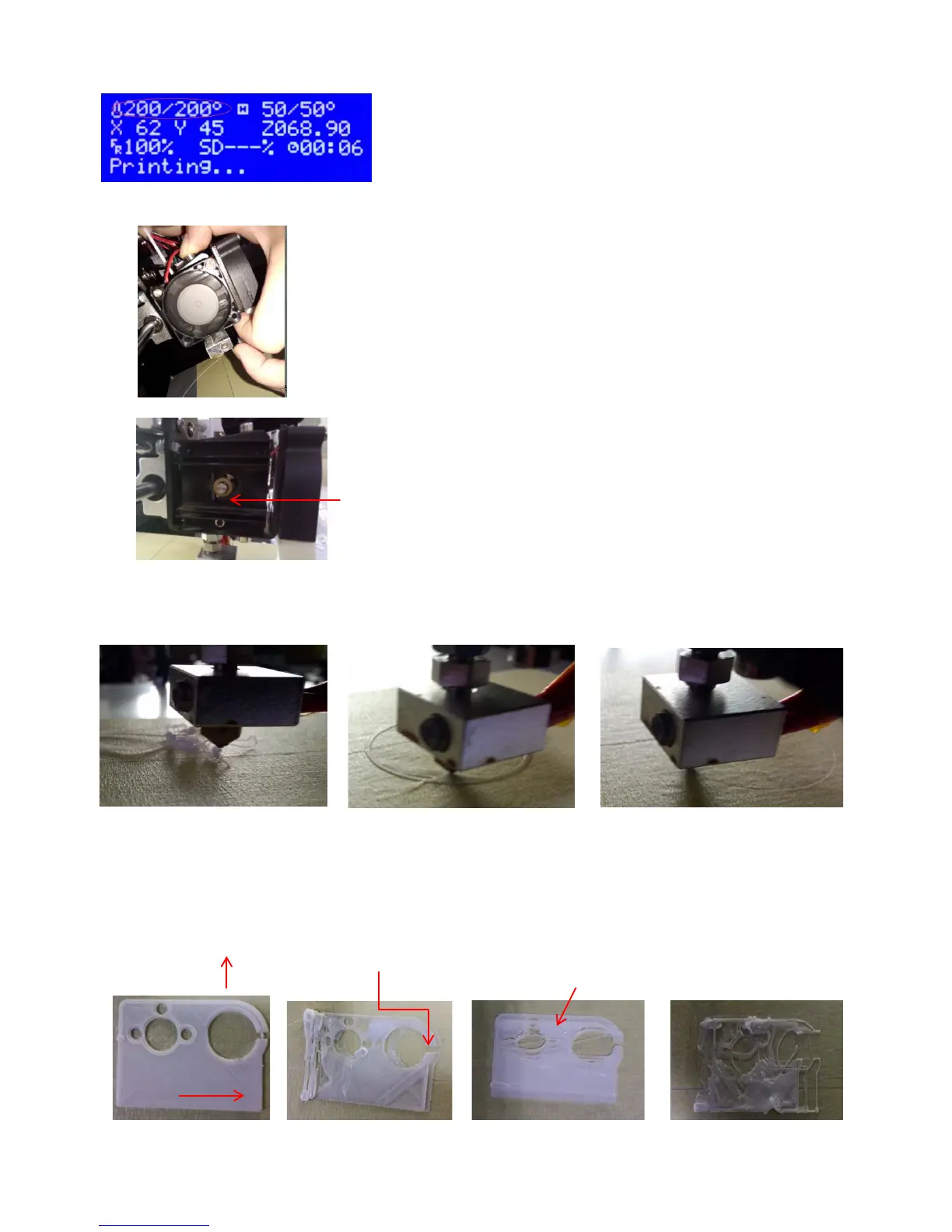
Picture 10.1 (Figure 1)
2.The heating temperature is OK,push down the filament and confirm the
nozzle extrude the filament (Picture 10.2)
1.Check and confirm if the heating temperature is up as the
setting ( picture 10.1);
2.1 If the nozzle extrude the filamentby pushing down, please check and
confirm if the filament feed wheel is loose or not (Picture 10.3)
Extrusion Wheel
Picture 10.3 (Figure 3)
2.2If nozzle didn’t extrude the filament, the nozzle must be blocked and clean
it
The distance between nozzle
The nozzle is too close to
Settle way: adjust the nozzle to the thickness of 1 A4 paper above the hotbed.
The distance between nozzle
Dislocation for X direction
Picture 10.6
Dislocation for Y direction
Dislocation for X &Y direction


 To Next Page