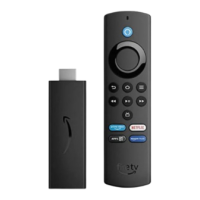
Register or Deregister Your Amazon Fire TV
Device
In order to use your Amazon Fire TV device, register it to your Amazon account.
To register your device, connect it to the Internet. To learn more, go to Set Up a Wireless or Wired
Connection.
If you purchased your Amazon Fire TV device online from Amazon using your Amazon account, it should
already be registered to you. If you purchased your Amazon Fire TV device from another retailer or
received it as a gift, follow the on-screen instructions for entering your Amazon account information and
password.
To verify that your Amazon Fire TV device is registered to your Amazon account:
From the Home screen, select Settings > My Account.
If no account is currently registered, select Register to register your Amazon Fire TV device to the
desired Amazon account.
If you would like to register a different Amazon account, select the Amazon account that is currently
registered, and then select Deregister.


 To Next Page