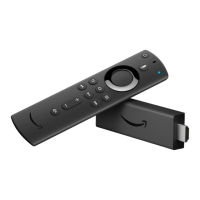
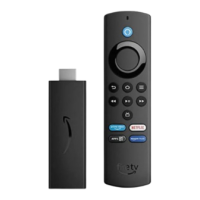
Can't Pair a Remote or Game Controller
If you can't pair your Amazon Fire TV remote or wireless game controller, here are some common
solutions you can try.
If you're having problems with a third-party Bluetooth remote, go to Can't Connect a Bluetooth Accessory
to Amazon Fire TV.
Check compatibility
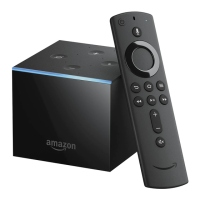
Amazon Fire TV devices are compatible with the included Amazon Fire TV remote or Amazon Fire TV
game controller, as well as many Bluetooth-enabled third-party wireless game controllers.
For more information, go to Compatible Remotes for Amazon Fire TV Devices.
Turn off unused remotes or devices
If you have more than seven connected remotes or actively connected Bluetooth devices, try turning on
that you're not currently using off.
Make sure your remote or controller is in range
Your remote must be within 30 feet of your Amazon Fire TV device. Avoid placing your Amazon Fire TV
in a cabinet, as this affects signal strength to your remotes and game controllers.
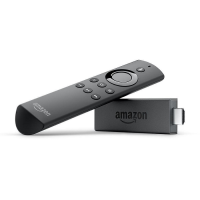
For Fire TV Stick, use the included HDMI extender to optimise the location of your Fire TV Stick. The HDMI
extender can improve your remote connectivity by positioning your Fire TV Stick further from your TV.
Try pairing your remote or controller again
Remove and reinsert the batteries for your remote or controller. The remote should automatically try
pairing with your device. You have five minutes to pair your remote with your Amazon Fire TV device
before it goes into sleep mode.
If your remote isn’t discovered, press the Home button for 5 - 10 seconds to try again.
Restart your device
If the steps above don't work, you may need to restart your device. Disconnect the power cord (from the
back of the device or from the power outlet) and then plug it back in.


 To Next Page