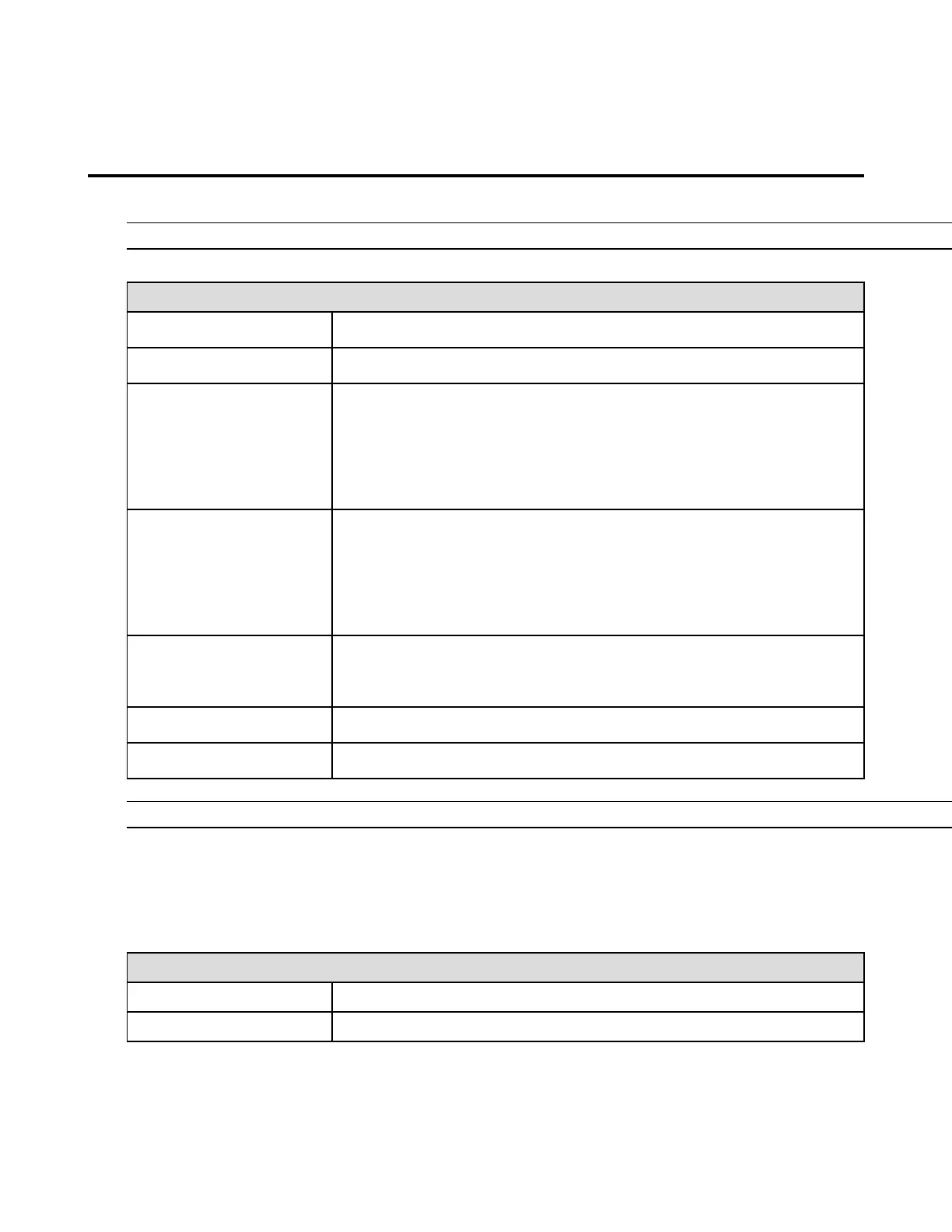
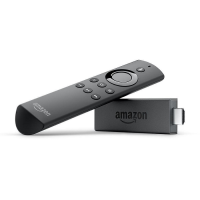
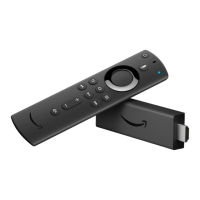
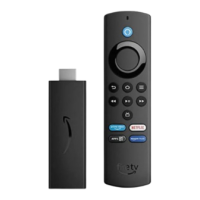
Use a Keyboard or Mouse with Amazon Fire
TV
Your Bluetooth device must have a compatible profile to pair with your Amazon Fire TV.
You cannot connect a keyboard or mouse to Fire TV Stick.
Keyboard Controls
Menu Navigation
Media Playback
Short press to skip back 10 seconds
Long press to rewind
Menu Navigation
Media Playback
Short press to skip ahead 10 seconds
Long press to fast forward
Media Playback
Play/Pause
Search or text input. Not supported in all apps.
Some keyboards have dedicated media controls. Performance will vary.
Mouse Controls
A mouse cannot be used to navigate on Amazon Fire TV. However, it can be used in the following types of
apps:
Tablet Games on Fire TV
Move the pointer within the app


 To Next Page