About External Storage for Amazon Fire TV
Compatible external storage options and specifications for Amazon Fire TV devices.
USB Storage Specifications
Component or Feature Requirement
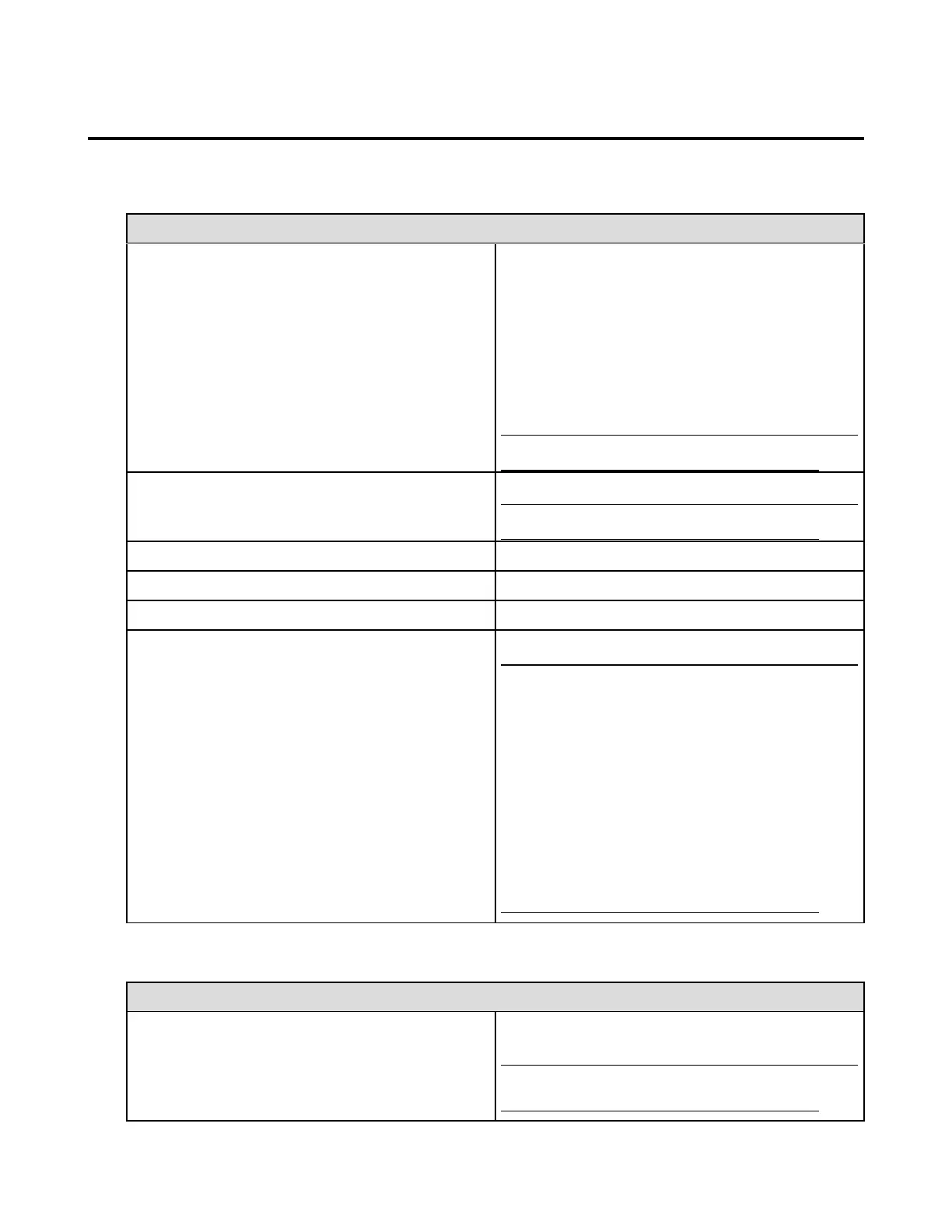
Compatible Amazon Fire TV devices and storage options
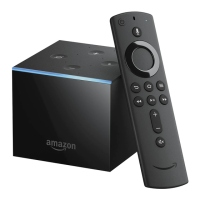
Amazon Fire TV (1st Generation): Access and save
apps and games to a compatible USB flash drive. Open
personal music, video and photo files saved to USB
storage using supported third-party apps.
Amazon Fire TV (2nd Generation): Open personal
music, video and photo files stored on a compatible USB
flash drive using supported third-party apps. A microSD
port is available if you need extra storage space for apps
and games (see the section below for more information).
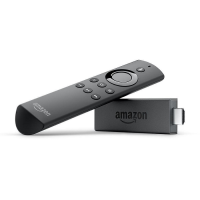
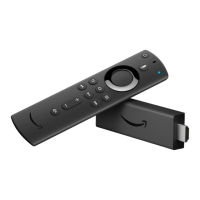
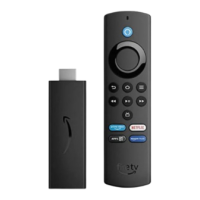
Fire TV Stick does not support USB or external storage.
USB flash drive
Go to for a list of supported devices.
Apps and Games
At this time, Amazon Video titles, Amazon Music
content and photos stored in your Amazon Cloud
Drive cannot be saved to external storage. You can
stream your videos and music and access your
photos over your Fire TV's Internet connection.
Personal media files (music, video, photos) saved to
your connected USB storage device can only be
accessed through supported third-party applications
(available on your Fire TV from the Amazon
Appstore).
MicroSD Storage Specifications
Component or Feature Requirement
Compatible Amazon Fire TV devices
Amazon Fire TV (2nd Generation): Access and store
apps and games to a compatible microSD card.
Amazon Fire TV (1st Generation) and Fire TV Stick do
not support microSD storage.


 To Next Page