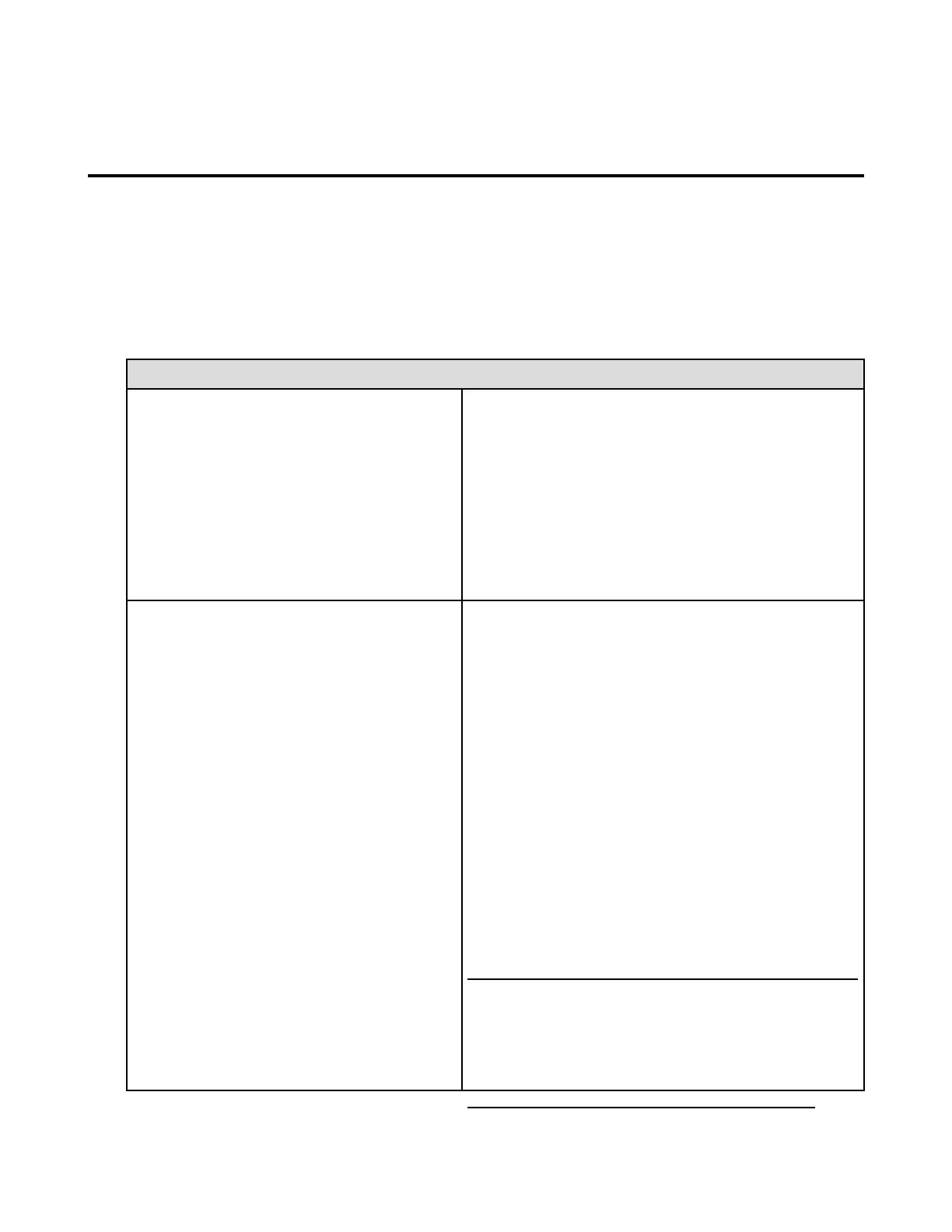
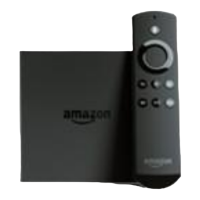
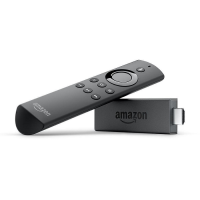
Basic Troubleshooting for Amazon Fire TV
Devices
Try these common solutions to resolve issues like a blank screen, app errors or problems with media
content (movies, TV shows, games and apps).
Take Action: Restarting your device can resolve many issues—just disconnect the power cord (from the
back of the device or from the power outlet) and then plug it back in. You can also use your remote to
restart your device. Press and hold the Select and Play/Pause buttons at the same time, for about five
seconds. Or, open Settings > System > Restart from the main menu.
Make sure the audio on your TV isn't muted.
If your Amazon Fire TV device is connected to an AV
receiver, make sure the receiver is on.
From the Home screen, go to Settings > Display &
Sounds > Dolby Digital Output and make sure Dolby
Digital Plus is set to OFF.
Unplug and reconnect the HDMI cable connecting your
Amazon Fire TV device to your TV. You may need to try a
different HDMI cable.
Make sure your TV is on and set to the correct input
channel.
Unplug and reconnect the HDMI cable connecting your
Amazon Fire TV device to your TV. You may need to try a
different HDMI cable.
If your Amazon Fire TV device is connected to an AV
receiver, make sure the receiver is on.
Temporarily disconnect other devices connected to your
TV's HDMI ports.
Try changing your TV to a different resolution (e.g. 1080p
or 720p).
Press the Up and Rewind buttons on your Amazon Fire
TV remote at the same time for 5 seconds. The indicator
light on your device then blinks yellow as the system
cycles through available output resolutions, pausing at
each resolution for 10 seconds. If you see the correct
resolution, select Use Current Resolution.
When you start or stop streaming at title in 4K Ultra HD on
Amazon Fire TV (2nd Generation), your TV screen may flicker
or turn black briefly as the display resolution switches from HD
to UHD. For more information, go to Watching Videos in 4K
Ultra HD on Fire TV.


 To Next Page