Game Controller Basics
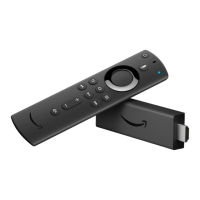
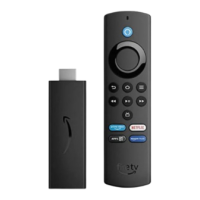
The Amazon Fire TV Game Controller is a wireless game controller that can be used to play games with
your Amazon Fire TV device. It can also be used as a remote, allowing you to browse and access movies,
TV shows, games and apps.
Before you can use the Amazon Fire TV Game Controller, you first need to insert the two included AA
batteries. The controller is then “discoverable” by your Amazon Fire TV device. If your controller isn’t
discovered, press the Home button for at least five seconds and then release it.
Game Controller Features
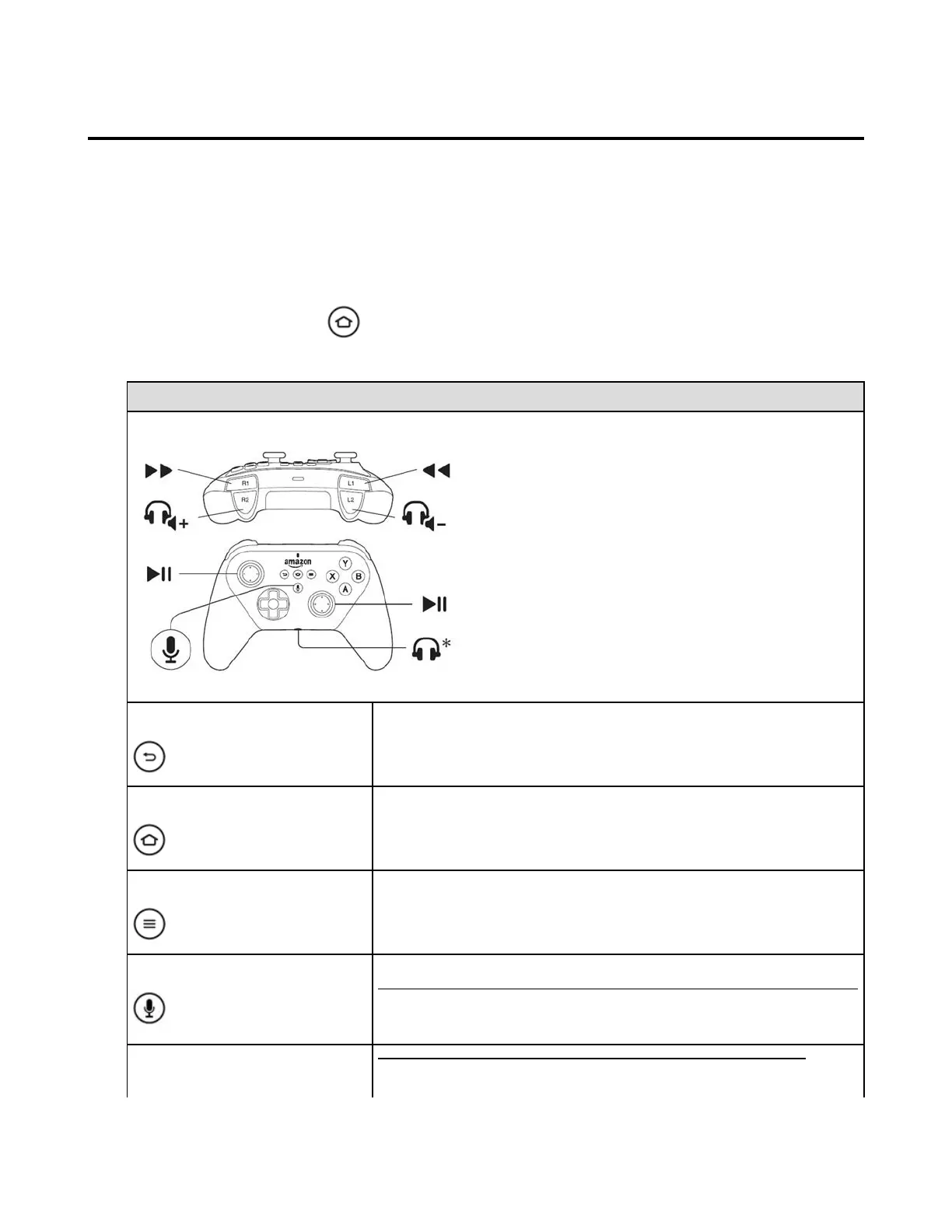
Amazon Fire TV (2nd Generation) Game Controller:
Currently works with Amazon Fire TV (2nd Generation).
Returns you to the previous screen or action.
Returns you to the Home screen from any screen.
View and manage your Amazon Fire TV apps, controllers and more.
Search for movies, TV shows, games, or apps using voice commands.
Not available with Amazon Fire TV Game Controller (1st Generation)—see
below.
Right & Left Shoulder Buttons
These buttons are mainly used for gaming. Their specific features may
change depending on the game being played.


 To Next Page