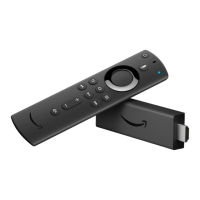
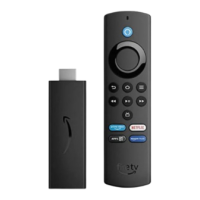
Voice Only available on the Amazon Fire TV
Voice Remote
Search for movies, TV shows, games or apps using voice commands.
Voice search uses two built-in microphones to search for items using
your voice commands.
Press right to move to the right on your TV screen. Moving to the
right from the Main Menu allows you to access the content
libraries or storefronts such as movies, TV, games, apps, photos
and more.
Press left to move to the left on your TV screen. Moving to the left
allows you to return to the Main Menu from any content library or
storefront.
Press up to move up and press down to move down.
Select an item, function or category.
Returns you to the Home screen from any screen on your Amazon
Fire TV device.
Quickly access various features with the Quick Access Menu. To open
it, press and hold the Home button on your Amazon remote.
Presents various functions and settings depending on which screen
you're accessing.
Returns you to the previous screen or action.
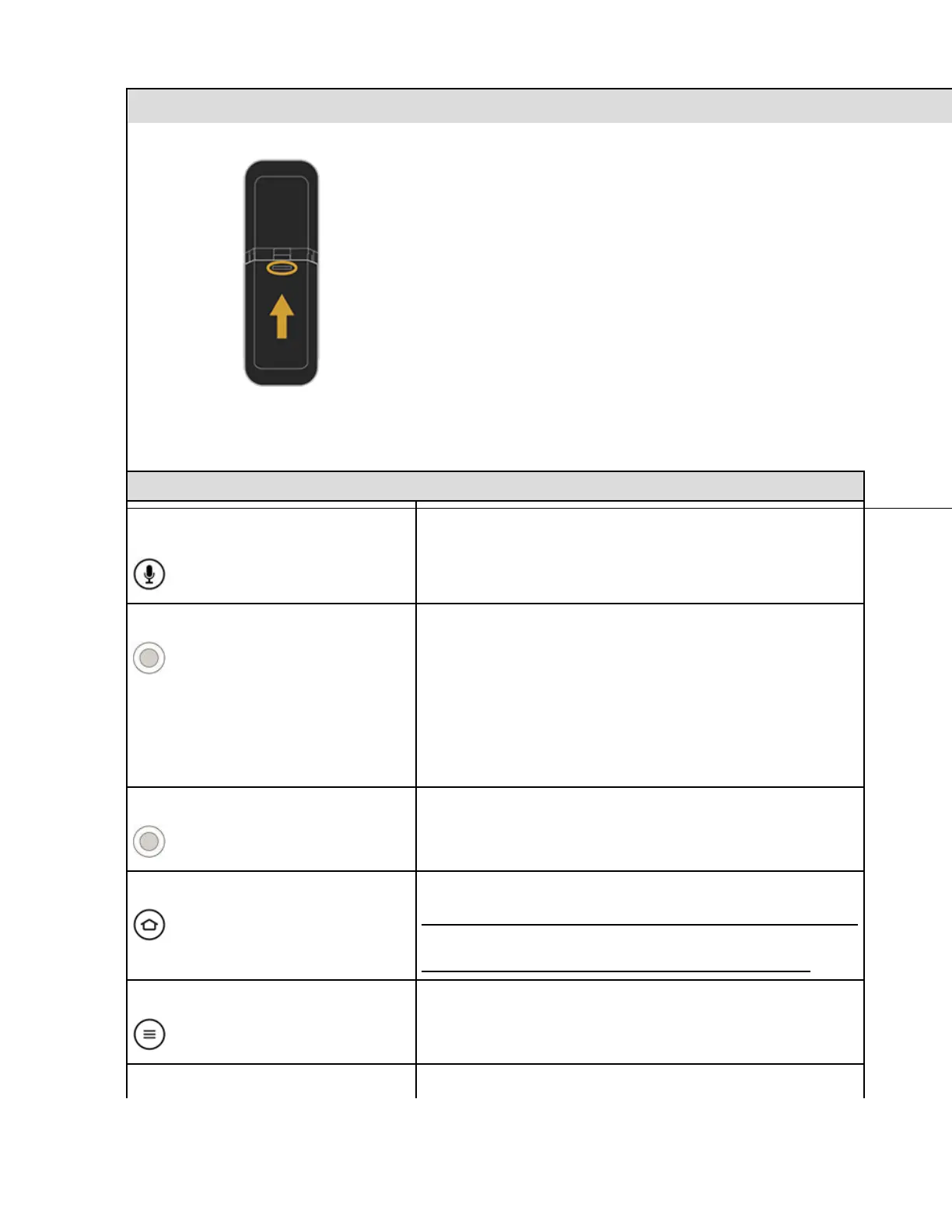
Slide the door back into place and push in to secure.
Amazon Fire TV Remote (Front)


 To Next Page