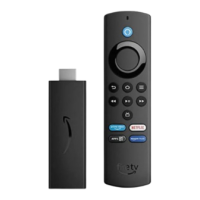
If you don't safely remove your USB device, the games, apps and other files saved to it could become
corrupted and unusable.
To safely remove USB storage:
Select Settings > System > USB Storage.
Select Eject.
A notification displays on-screen to explain that any apps or games on your USB device will no longer
be available after you remove it. If you still want to proceed, confirm by selecting Eject again.
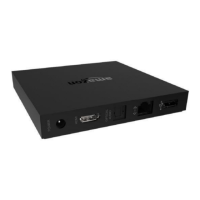
Wait for another notification that tells you when it's safe to remove your flash drive from the USB port on
the back of your device.


 To Next Page