AMADOS BAG0083.2 11.17
Determine the calibration factor for the product during standstill
See also the machine operating manual.
The spread quantity for the quantity control must be completely
caught.
1. Check the following entries and correct if necessary:
• Desired spread rate (job).
• Desired working width
• Product (mode 2)
• Intended average speed (mode 7).
2. Add a sufficient quantity of product to the hopper.
3. Press the
key.
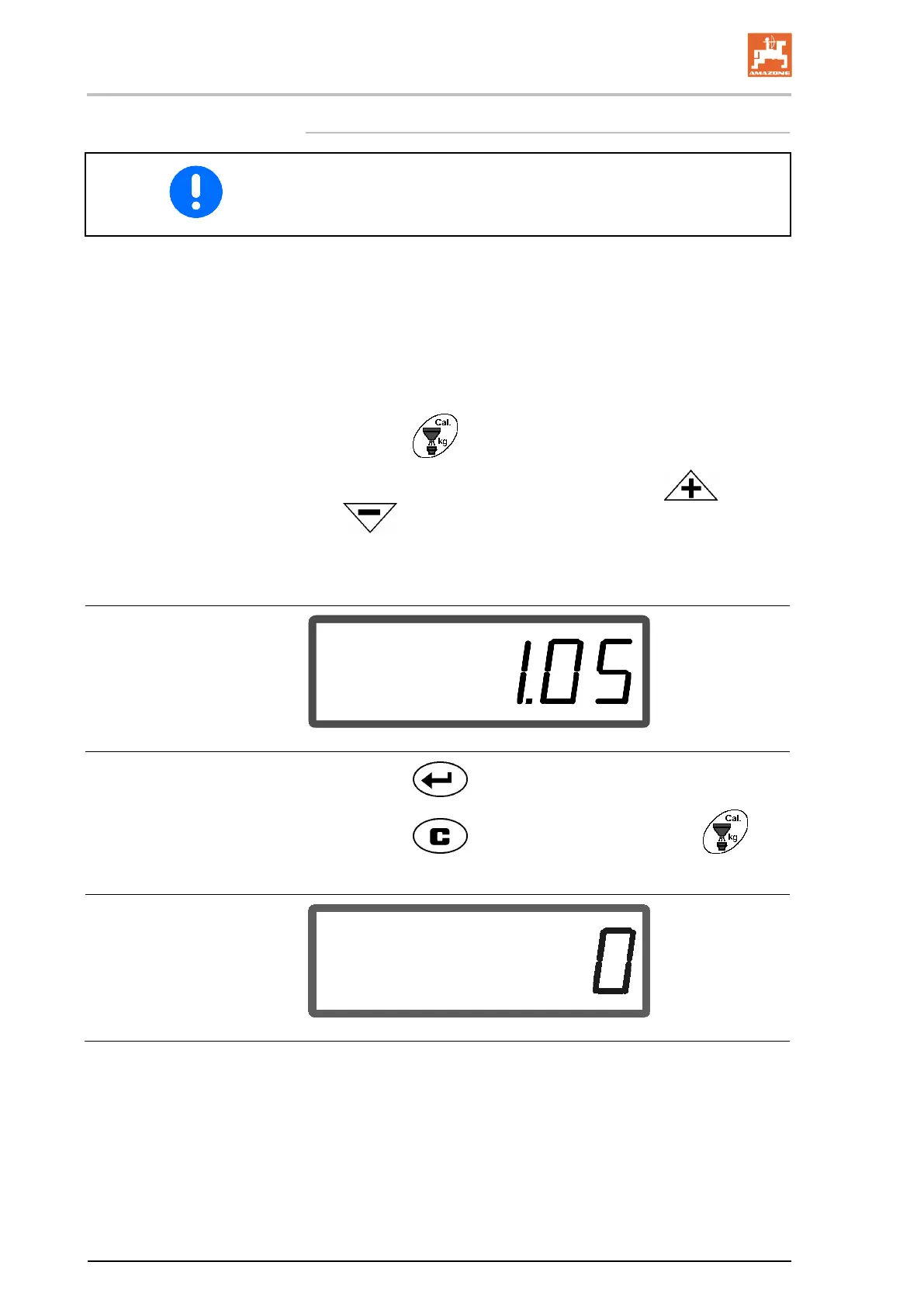
4. Enter a calibration value on the display via the
or
keys, e.g. 1.00 (standard value).
Values based on experience can be used to enter the calibration
factor.
Display after entry of calibration factor
5. Press the key and confirm.
6. Press the
key, hold and at same time press
→ The calibration procedure starts.
Display at start of fertiliser calibration



 To Next Page