BAG0083.2 11.17
7. Operate the PTO shaft at the speed as per setting chart.
8. Press the key.
→ Shutter opens.
→ On the display, the shutter opening time is indicated.
9. After approx. one minute, press the
key.
→ Shutter closes.
→ The calculated spread quantity is indicated.
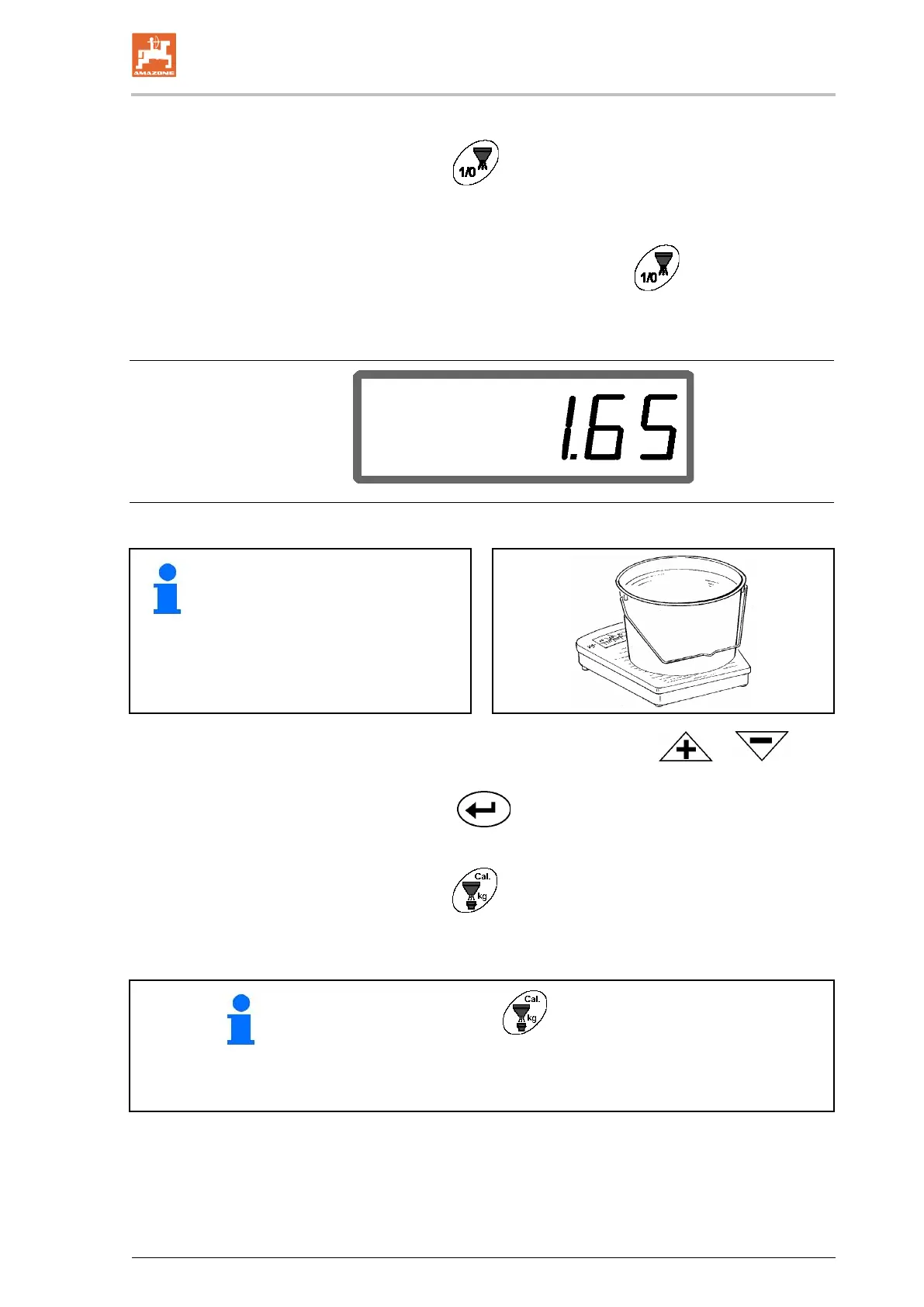
Display after closing of the shutter
10. Weigh the spread product.
• The scales used must weigh ac-
curately. Significant inaccuracies
may cause deviations in the ac-
tual spread rate!
• Take the bucket weight into con-
sideration.
11. Select the weight of the product via the or keys
on the display, e.g. "1.50" for 1.5 kg.
12. Press the
key and confirm.
→ AMADOS
E+S
determines the calibration factor.
13. Press the
key and the calibration factor is displayed.
• By actuating the key, the calibration factor can be dis-
played at any time.
• Note the calibration factor for manual entry before another
spread rate check for the same product.



 To Next Page