U10C034 Telephony Version v1.4 June 2008
52
3.1 Accessing the Web User Interface
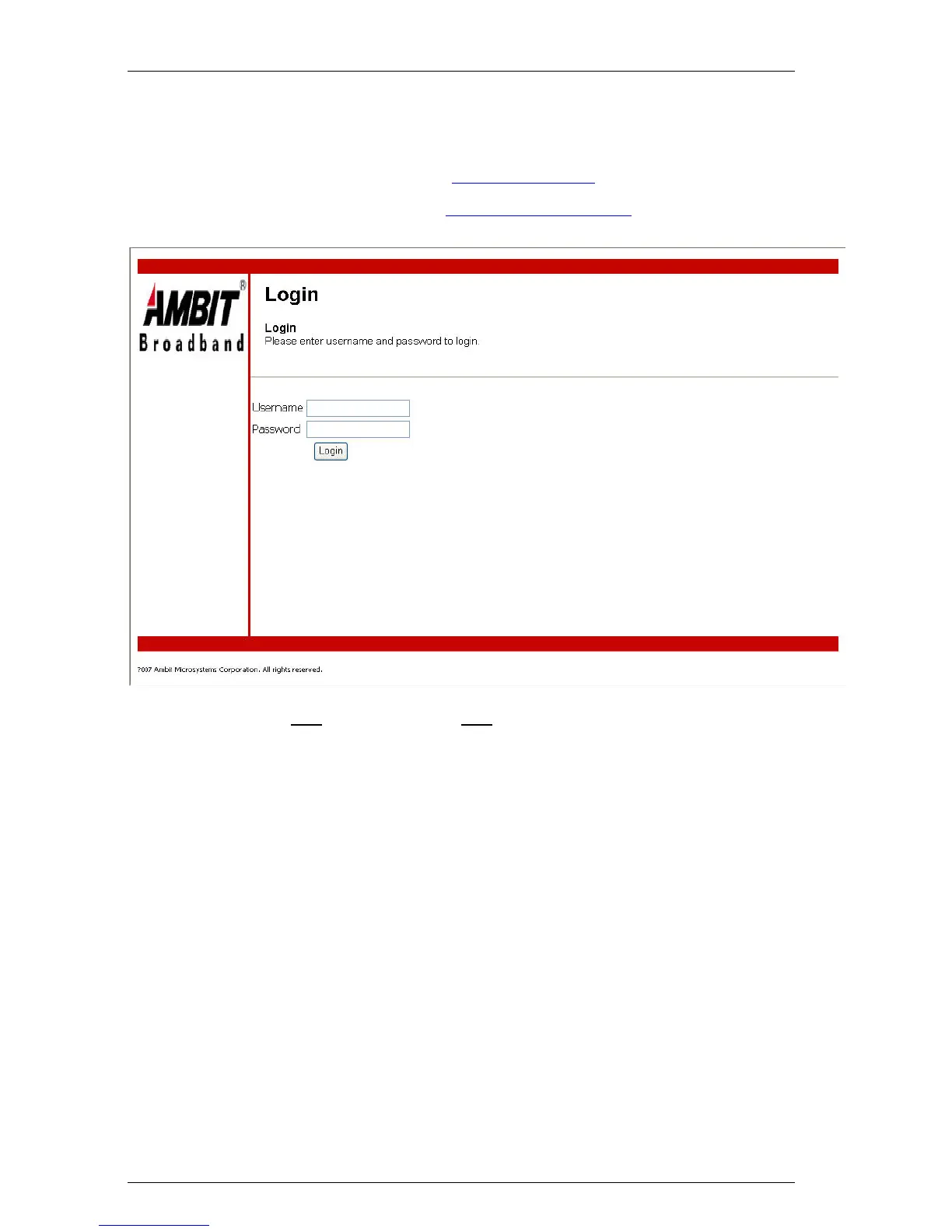
Open the web browser and set the address to: http://192.168.100.1 for local access or
Open the web browser and set the address to: http://Cable-RF-IP-address for remote access
Click LOGIN. Enter user
for User name and user for Password, and then click OK.
*** User Name: user & Password: user only can access to basic web page
*** User Name: admin & Password: cableroot can access to advanced web interface.
The ‘admin’ account only available if web access is from remote


 To Next Page