- 42 -
C141501700.fm
User's manual
GB
The robot can be protected by a pass-
word comprising four figures which the
user can enable, disenable and custom-
ise (see "Programming mode").
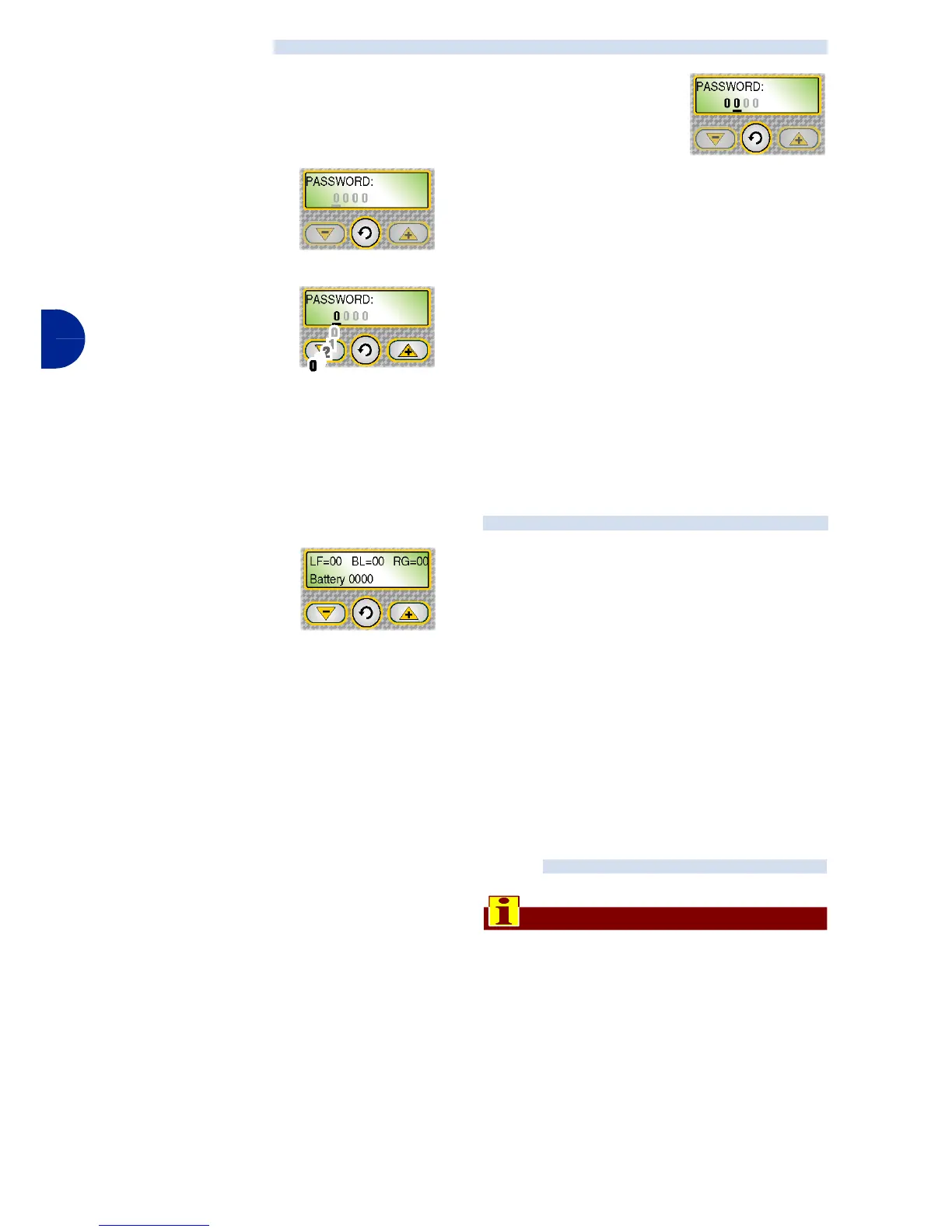
1-The following
message ap-
pears of the dis-
play:
2-Press one of the
keys "+", "-" to set
the first figure.
3-Press the key "En-
ter" to confirm.
The cursor
moves on to the
next position.
4-Repeat the procedure to set all the
numbers of the password.
At this point, the robot is ready to use.
While the lawn mow-
er is operating, the
following data are dis-
played:
– Left wheel motor speed
– Cutting blade motor speed
– Right wheel motor speed
– Battery voltage.
When the lawn mower is being re-
charged, the message "RECHARGE" ap-
pears in the display.
If the lawn mower is out of its work time-
table, the display shows the day and time
of work start.
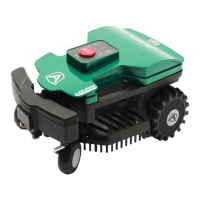
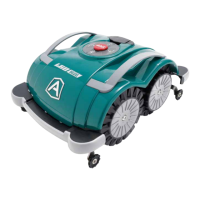
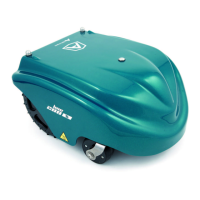
In case of prolonged inactivity of the ro-
bot, it is necessary to carry out a series
of operations to assure its correct func-
tioning when it is reused.
1-Carefully clean the robot and the re-
charging station (see "Robot clean-
ing").
2-Carry out battery recharge at least
once a month for lead batteries and
every 5 months for lithium batteries
(see "Recharge batteries for extend-
ed inactivity").
Important
If the antitheft alarm is enabled, disen-
able it before lifting the robot (see
"Programming mode").
3-Place the robot in a safe and dry
place, at a suitable room tempera-
ture 10-30 °C and not easily reacha-
ble by unfamiliar people (children,
animals, etc.).
ENTER PASSWORD
DISPLAY VISUALISATION IN WORK PHASE
PROLONGED INACTIVITY AND SERVICE RESTART


 To Next Page