102
• Date: This column shows the date that the holiday occurs on.
• Period: This column shows the range in which the holiday occurs.
• Edit: This column has a button that allows for the editing of the holiday.
• Delete: This column has a button that allows for the deletion of the holiday.
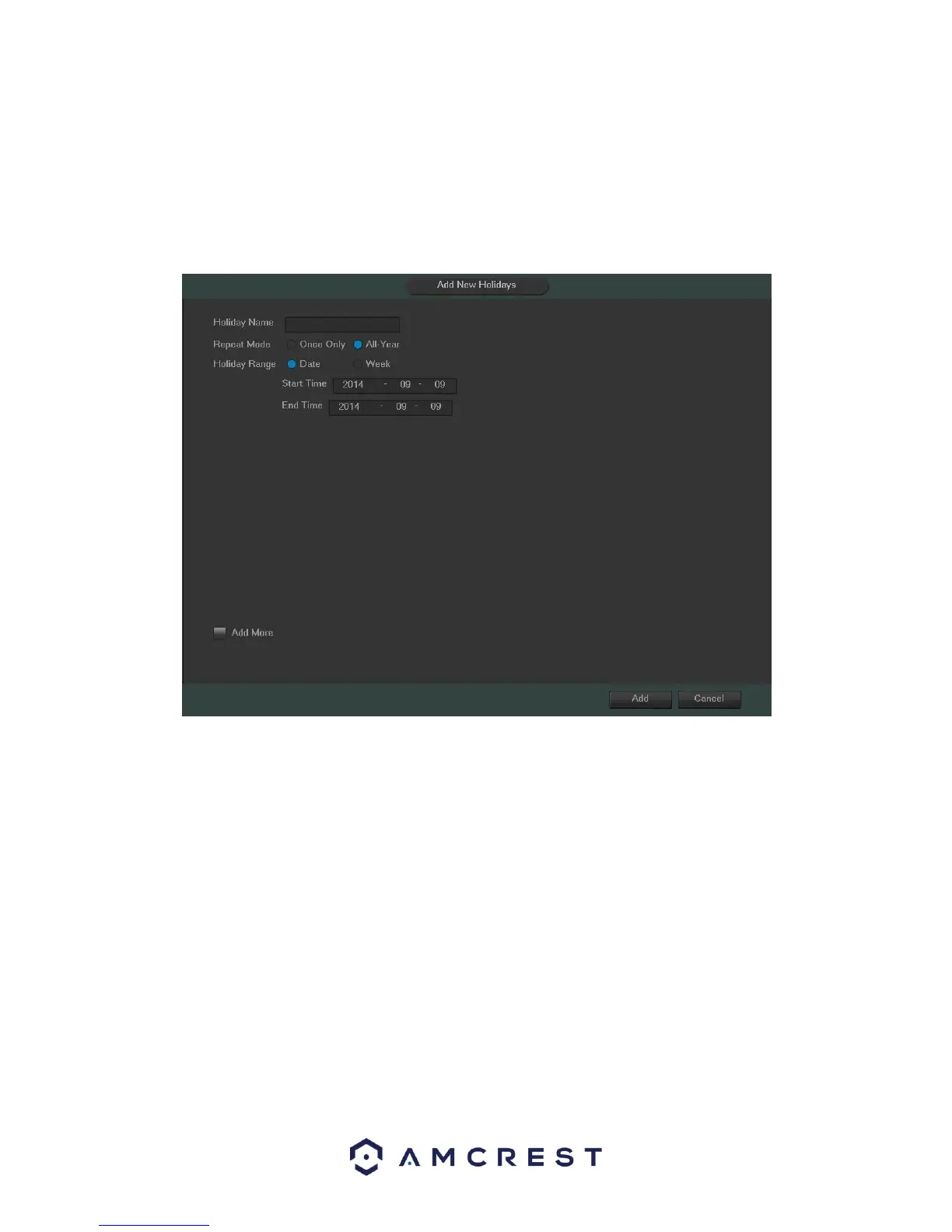
• Add New Holidays: This button allows the user to add a holiday. Below is screenshot of the Add New Holidays
screen.
Note:
• Holidays take precedence over the scheduled setup.
• Holidays do not roll over based on their inherent date. Meaning, if a holiday is set for October 30th, then the
system will treat every October 30th as a holiday.



 To Next Page