27
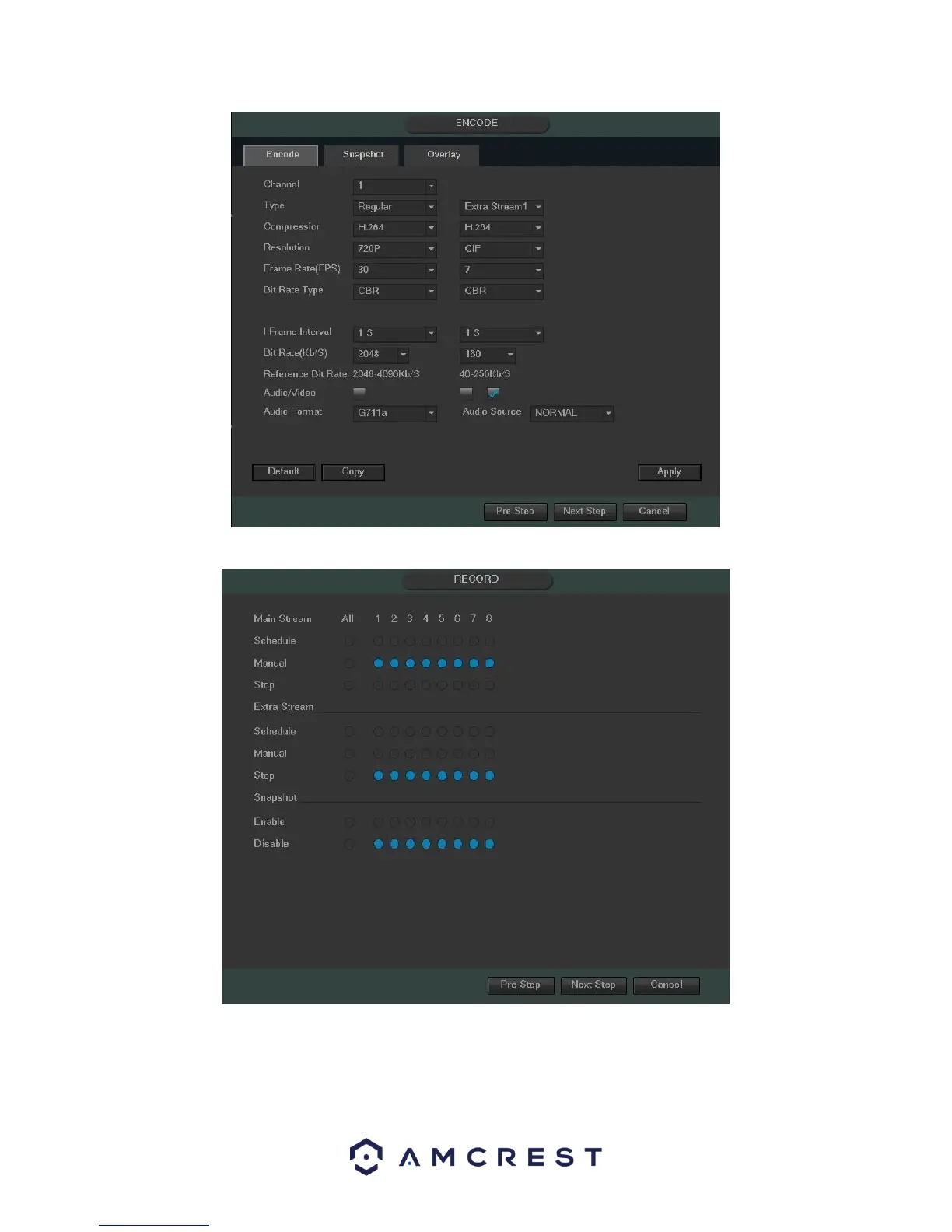
The next screen that comes up is the Record settings screen. Once you are satisfied with the settings on this
screen, click the “Next Step” button at the bottom of the screen.
The next screen that comes up is the Schedule settings screen. Make sure to click the tabs at the top for Record
and Snapshot to configure those settings as well. Once you are satisfied with the settings on this screen, click the
“Next Step” button at the bottom of the screen.



 To Next Page