97
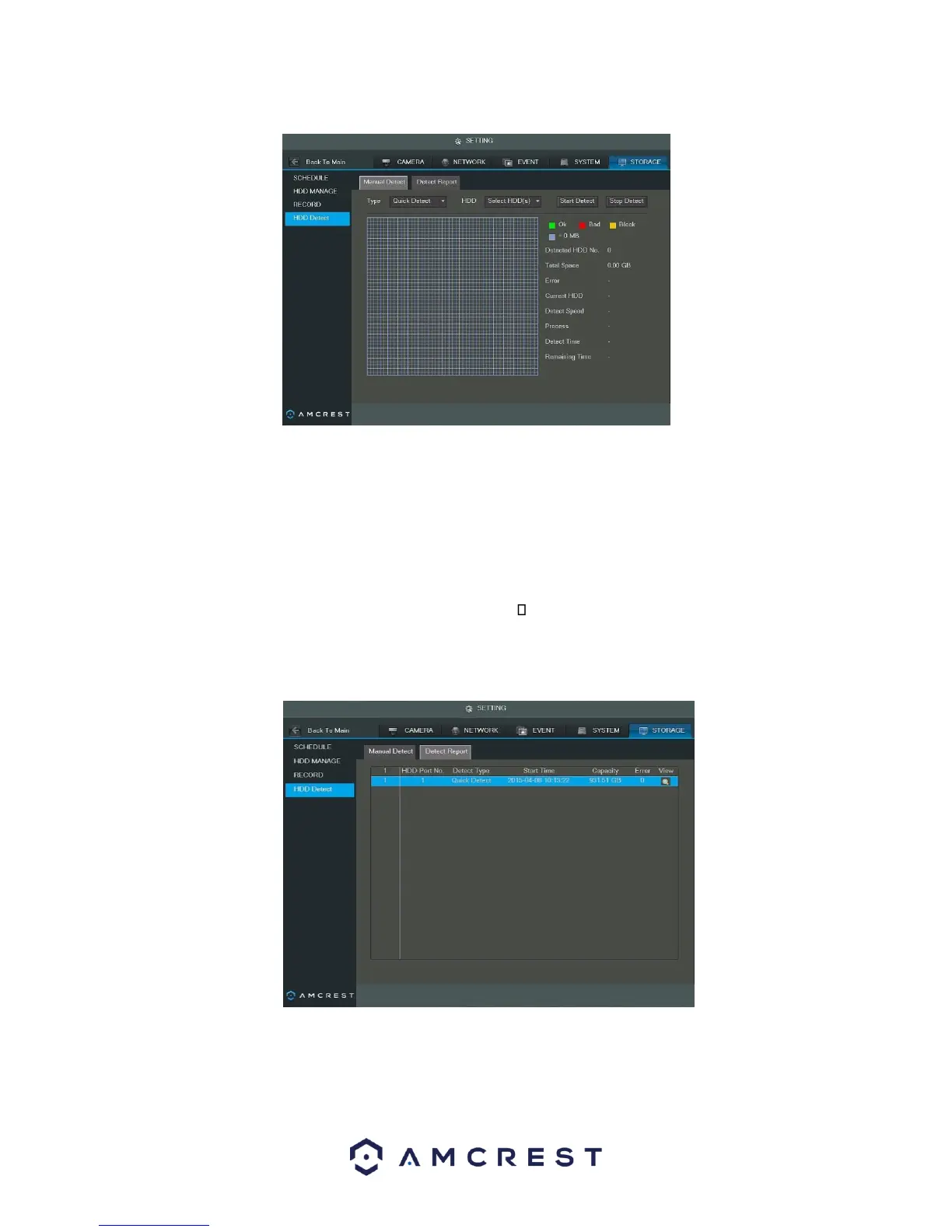
Below is an explanation of the fields on the HDD Detect settings page:
• Type: This dropdown box allows the user to select which type of HDD detection report to run. There are two
options:
o Quick Detect: Quick detect runs a quick hard drive error detection report.
o Full Detect: Full detect runs a more detailed hard drive error report and may take more time.
• HDD: This dropdown box allows the user to select which HDD to run the HDD detection report on. Multiple
hard drives can be selected.
• Start Detect: This button started the HDD detection report. Stop Detect: This button stops the HDD
detection report.
Once the report is done, the results show in the Detect Report Tab. Below is a screenshot of the detect report
tab:
To view detailed results of the report, double click the line item, or click the magnifying glass in the view column
of the report. The detailed view looks like the screenshot below:



 To Next Page