– 22 –
CHIME MODE
Using the 9 Key
CHIME
* or selected doors
or windows if
chime-by-zone
feature is active.
Ask installer if
this feature
applies to your
system.
Your system can be set to alert you to the opening of a door or window* while it is
disarmed by using CHIME mode. When activated, three beeps will sound at the
keypad whenever a protected perimeter door or window is opened.
Pressing the ✱
key will display the open protection points.
Note that the Chime mode can be activated only when the system is disarmed.
To turn Chime Mode on:
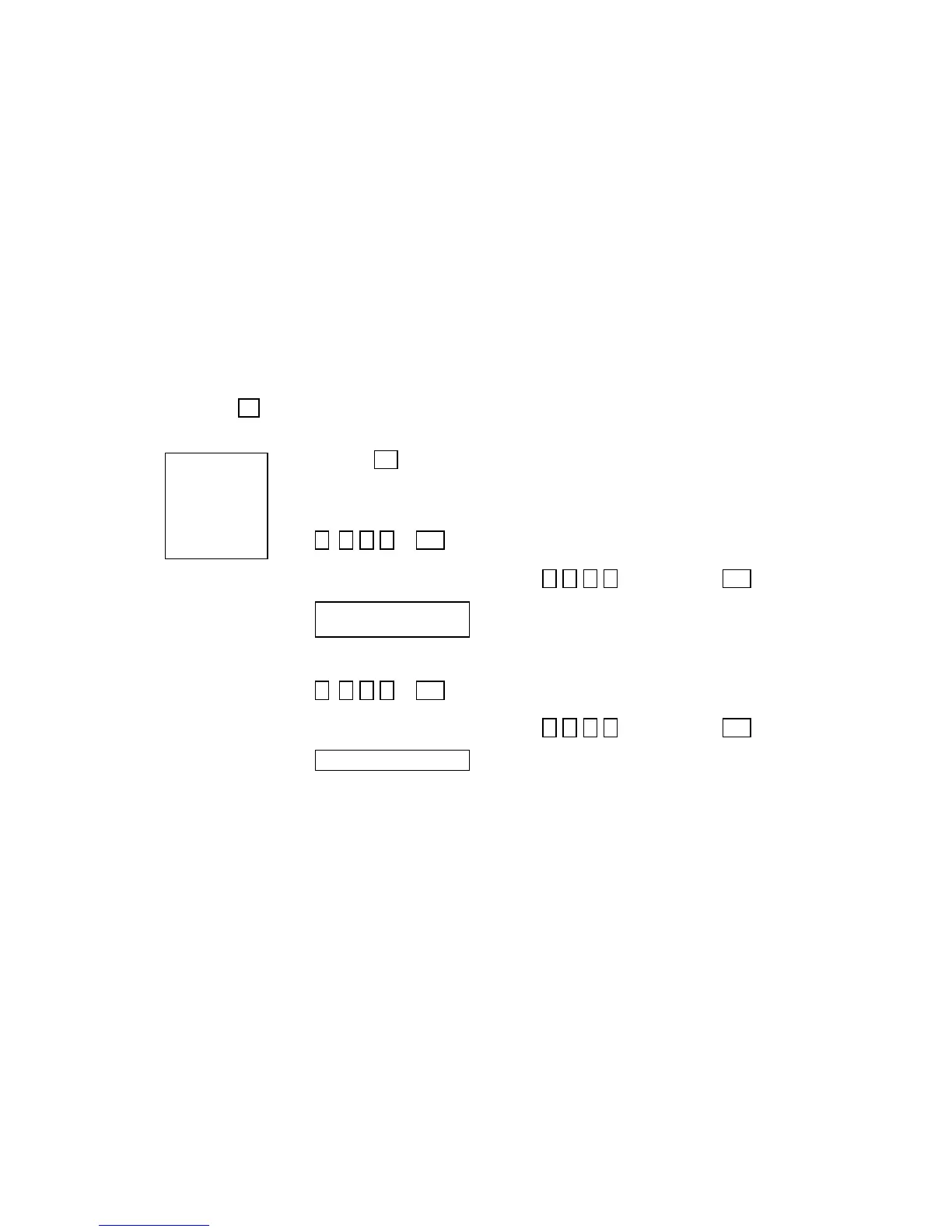
1.
+ 9 ENTER SECURITY CODE THEN PRESS CHIME
(Security Code)
CHIME
Example: 7 2 9 6 then press the 9 key.
CHIME
2.
* * C H IM E M O DE O N **
S Y S T E M R E A D Y
VIEW
The “Chime” message displays while chime mode is
on.
To turn Chime Mode off:
1. + 9 ENTER SECURITY CODE THEN PRESS CHIME
(Security Code) CHIME
Example: 7 2 9 6 then press the 9 key.
CHIME
2.
* * S Y S T E M R E A D Y* *
VIEW
The “Chime” message disappears from the display.


 To Next Page