– 24 –
USING DEVICE COMMANDS
General
Information
Your system may be set up so that certain lights or other devices can be turned on
or off by using the device command from the keypad. Ask your installer if this has
been done in your system. If programmed for your system, some devices may
activate automatically upon certain system conditions. In this case, the following
commands can be used to override the device activation. See your installer for a
full explanation of this feature.
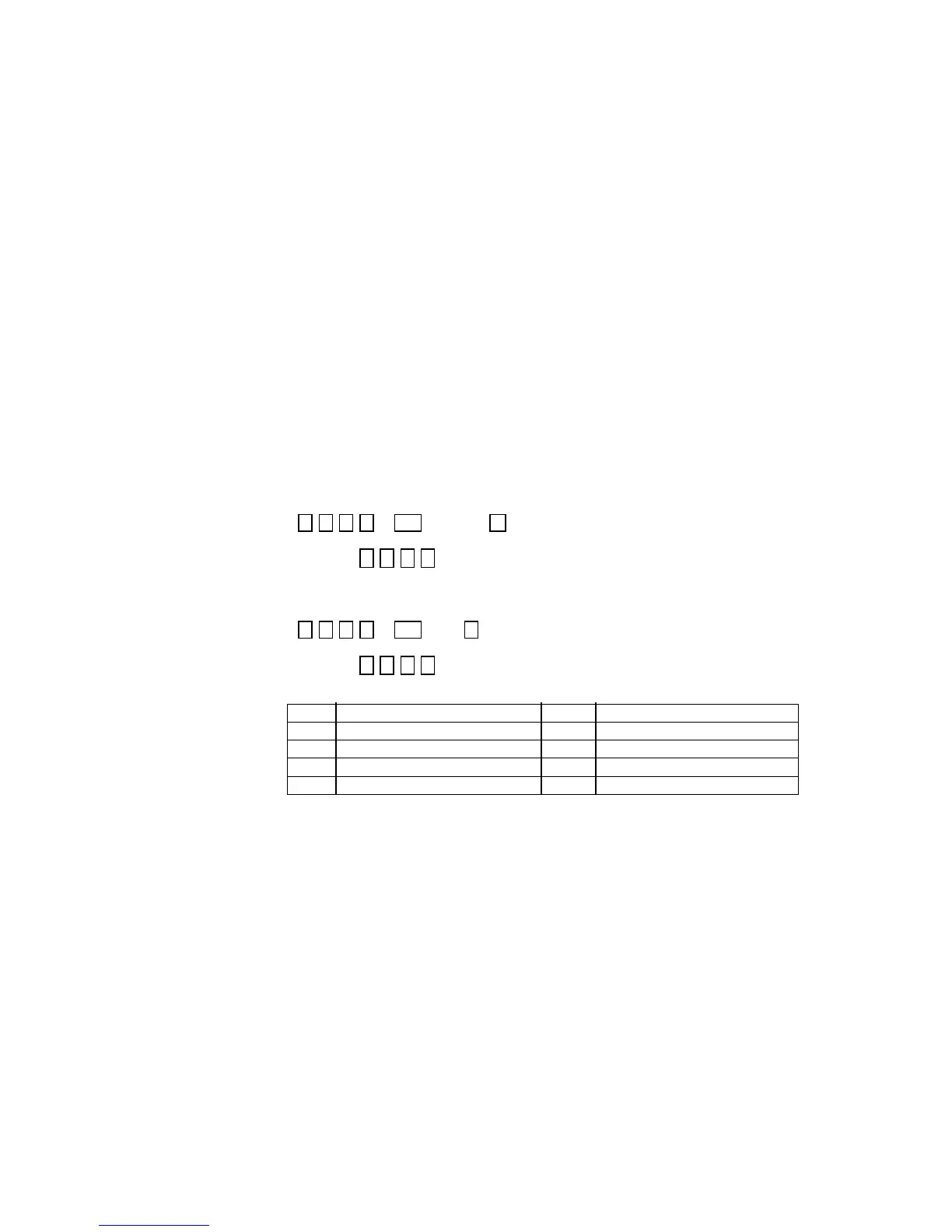
To activate devices ENTER SECURITY CODE THEN PRESS # + 7 + DEVICE NUMBER
+ # + 7 +
(Security Code)
(Device Number)
Example: 7 2 9 6 then press #, then press 7, then enter the number representing the
device you wish to activate. See your installer for device numbers assigned for your
system.
To deactivate
devices
ENTER SECURITY CODE THEN PRESS # + 8 + DEVICE NUMBER
+ # + 8 +
(Security Code) (Device Number)
Example: 7 2 9 6 then press #, then press 8, then enter the number representing the
device you wish to deactivate. See your installer for device numbers assigned for your
system.
Device Device #/Description Device Device #/Description
1 5
2 6
3 7
4 8


 To Next Page