– 37 –
MAINTAINING YOUR SYSTEM (cont’d)
Silencing Low
Battery Warning
Tones at the
Keypad
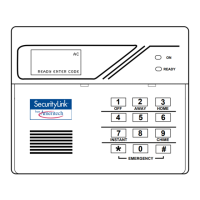
You can silence the keypad’s warning tones by pressing the 1
key, but the
OFF
keypad's low battery message display will remain on as a reminder that you have
a low battery condition in one or more of your sensors. When you replace the
weak battery with a fresh one, the sensor will send a "good battery" signal to the
control as soon as the sensor is activated (opening/closing of door, window, etc.),
causing the low battery display to turn off. If the sensor is not activated, the
display will automatically clear within approximately 1 hour.
Routine Care
• Treat the components of your security system as you would any other electrical
equipment. Do not slam sensor-protected doors or windows.
• Keep dust from accumulating on the keypad and all protective sensors,
particularly on motion sensors and smoke detectors.
• The keypad and sensors should be cleaned carefully with a dry soft cloth. Do not
spray water or any other fluid on the units.


 To Next Page