Version 0A 11
The following table applies to faults:
Warning
light Steady
Warning
light Flash
Fault Cause or Cure
SWR TX Antenna Reflected
Power
High antenna SWR or
intermittent antenna or feed line
connection
SWR, PA Band Wrong filter
Filter input SWR
Exciter or amplifier on
incompatible band, filter failure
PA, TX PA FET too hot Excessive power for duty cycle
or SWR, lack of proper airflow
10M, PA,
TX
Illegal 11 meter Excessive 27 MHz signal level
REM, PA No data or bad band
data when on remote
Defective or improper remote
cable, or bad radio band data
information
Table 1 Quick Start Fault Alarms
With proper station installation, and with low antenna SWR, amplifier operation is
straightforward:
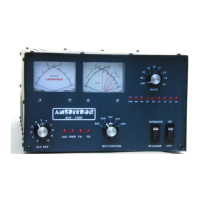
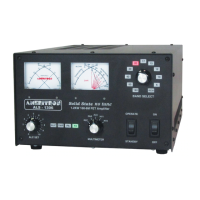
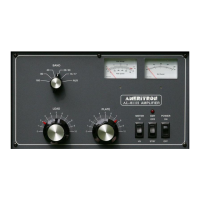
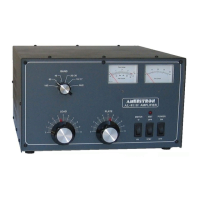
Set the bandswitch to the desired band. This happens automatically in the REM position
with a suitable radio interface cable. Set ALC full clockwise. Turn the amplifier power
switch ON, but leave the amplifier in STANDBY.
Set the exciter or transceiver to 50 watts carrier power. This power should show on the
amplifier’s FORWARD POWER meter. REFLECTED power should be very low.
Move the amplifier standby-operate switch to OPERATE.
Transmit while watching the Forward Power reading, quickly adjust exciter power for
less than 25 amps Id current, or less than 600-watts power output.
For high duty cycle modes and long transmissions, or if linearity is a problem, reduce
power. The amplifier has overload protection circuits, and will also attempt to reduce
power if the FET’s approach un-safe limits, but it is best to not rely on protection.
Adjust ALC to limit either forward power or amplifier PA current to a desired value at or
below maximum ratings, counterclockwise reduces power and current. The ALC light
should just flicker if ALC is limiting power properly. If the ALC light is on almost
continuously, reduce the transmitter’s power output setting.



 To Next Page