2 - 52
USER’S GUIDE Triton Wireless Hand-held Terminal
SSH Client Setup - cont’d.
Generating Unique Encryption Keys and Using SSH Passphrases
To allow easy setup of the SSH tools, the Triton contains a script to help automate the key
generation: ‘/bin/sshkeys’.
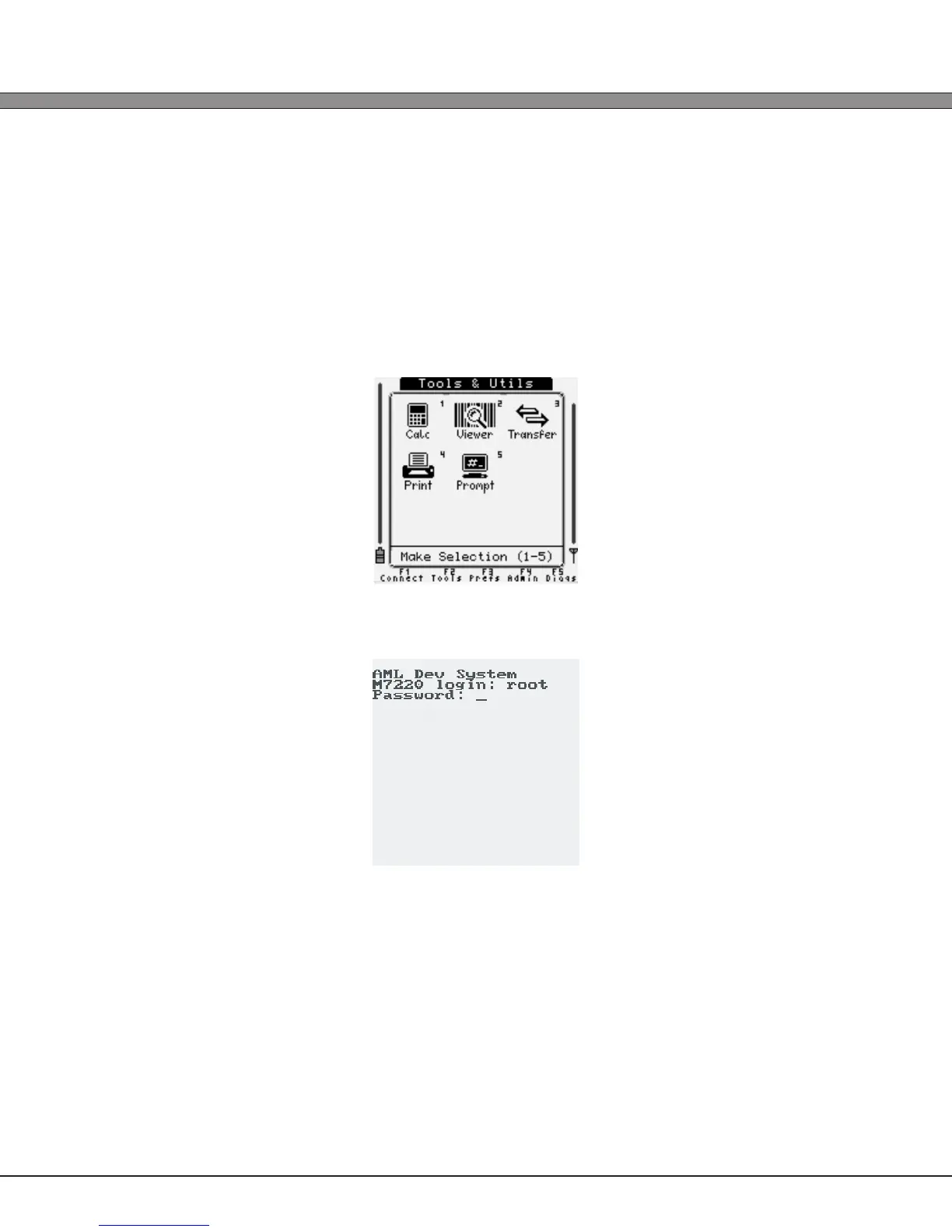
1.) From the Tools & Utilities menu, select the Prompt icon (option six) to switch to the Linux shell.
2.) Login to the shell with username ‘root’ and password ‘aml’.



 To Next Page